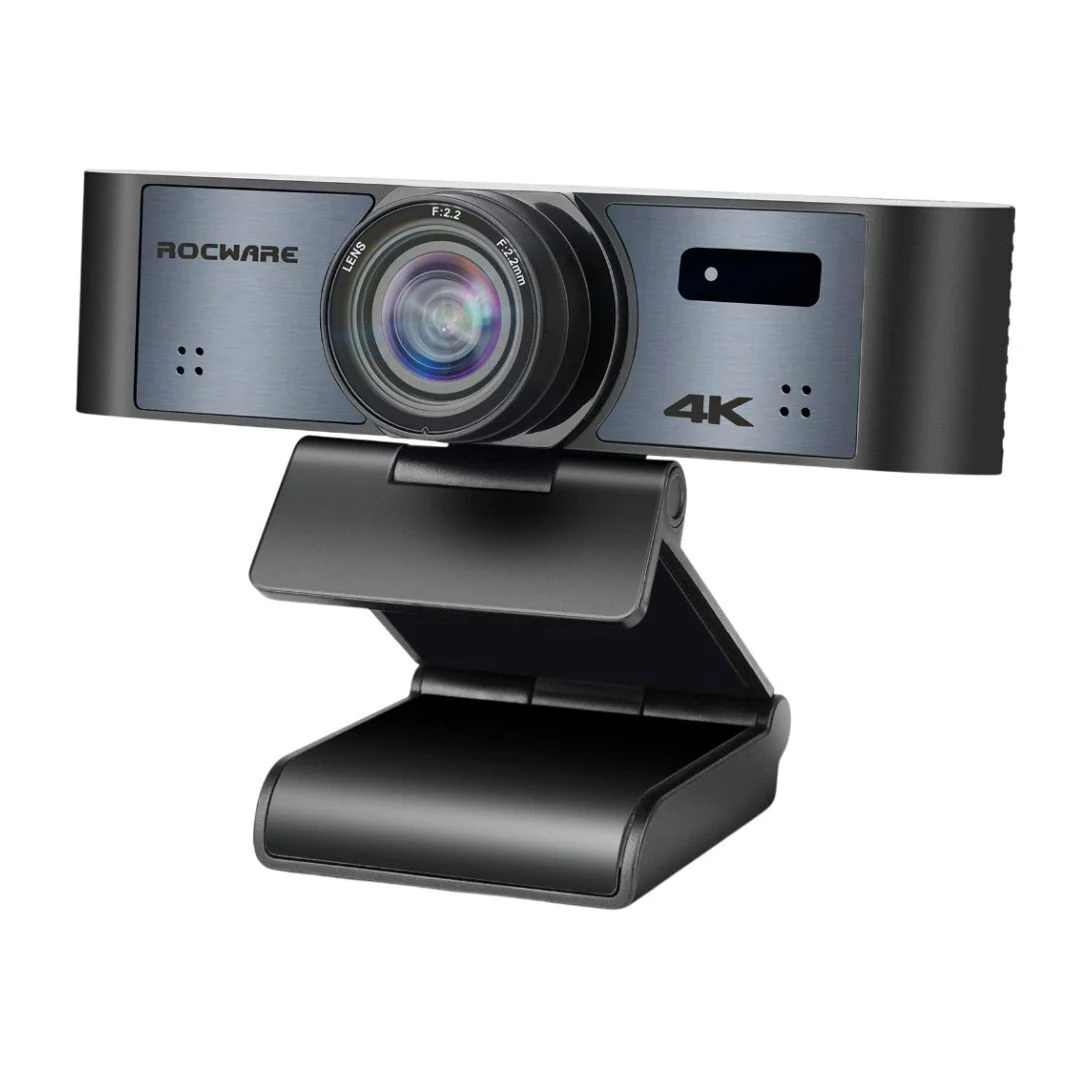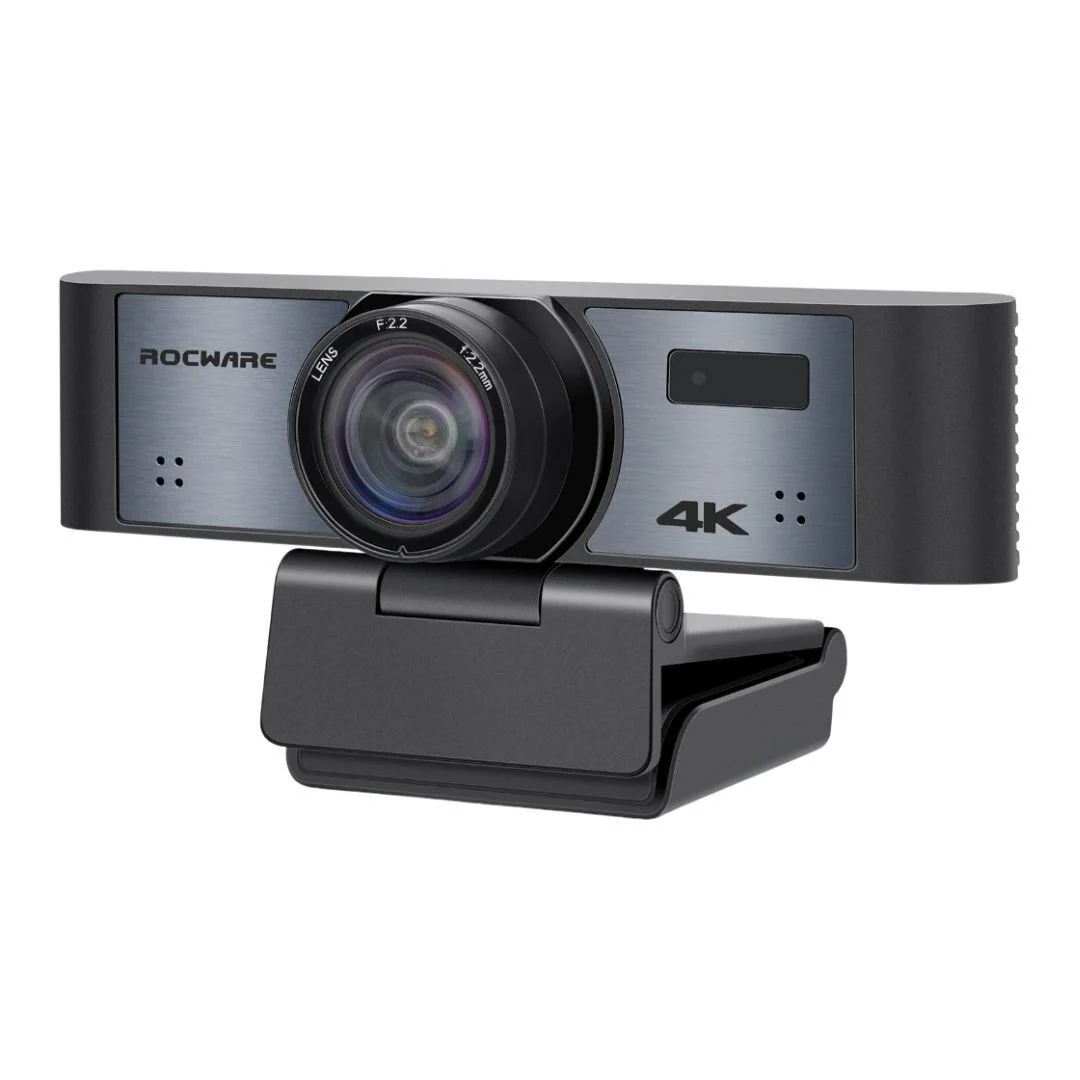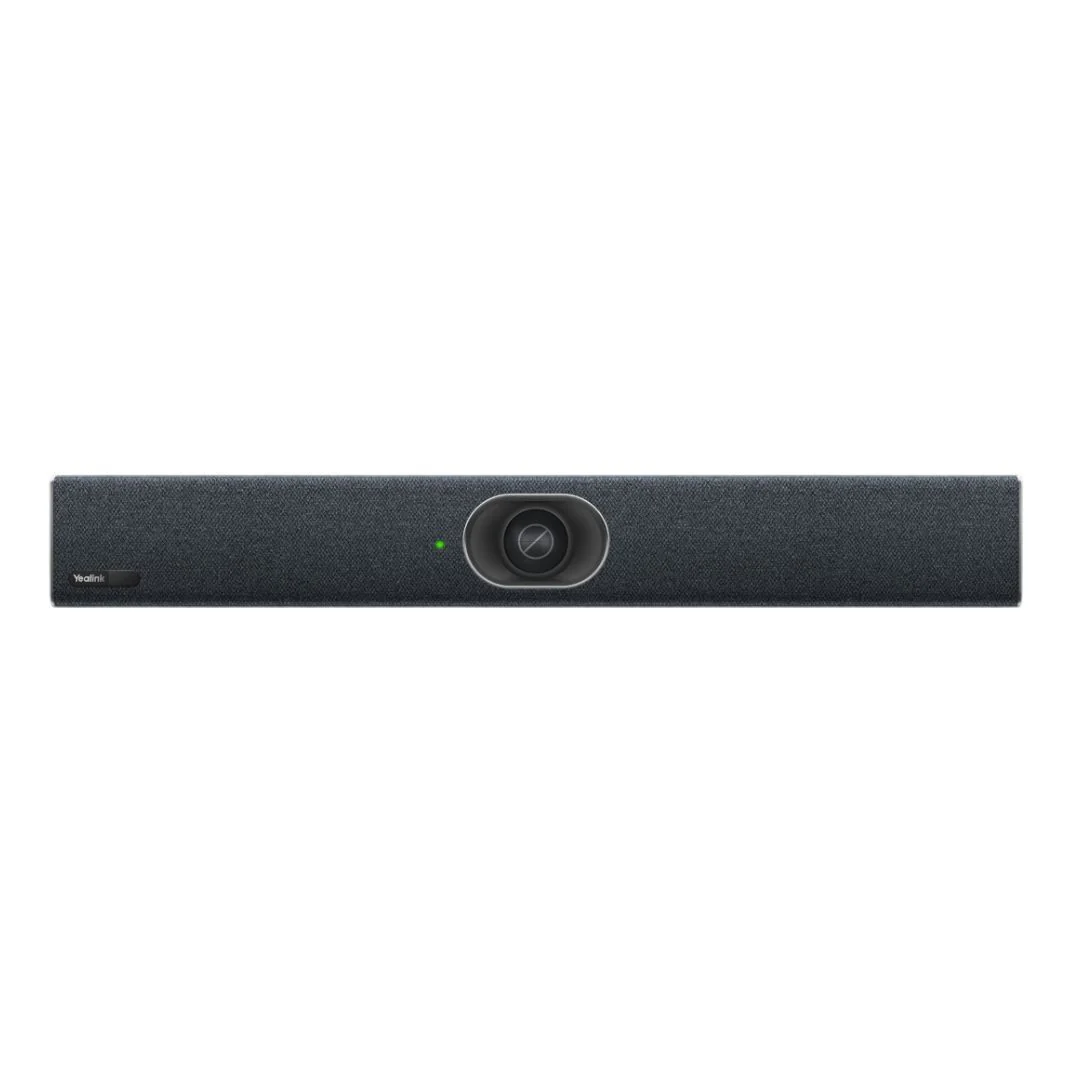
Yealink MeetingBar A20 All-in-One Video Collaboration Bar with Microsoft Teams Rooms (Black)
Yealink MeetingBar A20 All-in-One Video Collaboration Bar with Microsoft Teams Rooms (Black)
The Yealink MeetingBar
A20 Video Collaboration Bar in Black is designed for small rooms. It features a
20-megapixel sensor and 120-degree field of view, which ensure an ultra-clear
and ultra-wide view even in small spaces.
AI-Powered View
Auto Framing recognizes the number and the positions of attendees, framing
everyone smoothly in the most appropriate view even in small spaces. Speaker
Tracking frames a real-time close-up of the presenter, bringing a vivid
face-to-face meeting experience and ensuring attendees are well-engaged.
Picture-in-Picture tracks and frames the speaker in an individual window, which
is separate from the other window, for a panoramic view, enabling users to keep
an eye on who is talking even if the speaker is seated at a distance in a
medium room. Multi-Focus Framing mode not only recognizes all attendees and
frames each participant but also turns equal windows of multiple persons into a
recombined meeting view, solving the problem of distractions due to an unclear background.
Immersive Voice
The built-in 8 MEMS microphone arrays and speaker in Yealink MeetingBar
completely cover up to 6-meter medium-sized spaces. As the MeetingBar is
equipped with a powerful independent audio processing unit, you can enjoy a
worry-free, full-duplex voice experience with superior performance.
Noise-Free
Yealink AI-enhanced noise cancellation makes the audio experience more
brilliant. Leveraging a massive deep-learning sound database to reduce
background noises, the distracting keyboard clatter, mouse clicks, footsteps,
and other ambient noises are smartly paired back, ensuring that users enjoy
crystal-clear audio quality.
Plug-and-Share
The WPP30 creates a wireless meeting experience with the Yealink device. Once
connected, it immediately gets you ready for wireless content sharing without
any configuration steps.
One USB-C Cable for Sharing and Device Mode
With just one USB-C cable and the Yealink VCH51, effortlessly share PC
content on Yealink video conferencing systems, ensuring clear and stable
presentations. Opt for wired BYOD mode to seamlessly connect your
devices.
Simple to Set Up a Dedicated Room
MeetingBar A20 integrates the camera, microphones, and speaker into an
all-in-one system, allowing plug-and-play for a dedicated small meeting room
setup within minutes. It greatly reduces the time needed for deployment and
management. Yealink MeetingBar supports diverse video platform experiences. No
matter which platform you use, start your meeting right now.
More Images

Yealink MeetingBar A20 All-in-One Video Collaboration Bar with Microsoft Teams Rooms (Black)
The Yealink MeetingBar
A20 Video Collaboration Bar in Black is designed for small rooms. It features a
20-megapixel sensor and 120-degree field of view, which ensure an ultra-clear
and ultra-wide view even in small spaces.
AI-Powered View
Auto Framing recognizes the number and the positions of attendees, framing
everyone smoothly in the most appropriate view even in small spaces. Speaker
Tracking frames a real-time close-up of the presenter, bringing a vivid
face-to-face meeting experience and ensuring attendees are well-engaged.
Picture-in-Picture tracks and frames the speaker in an individual window, which
is separate from the other window, for a panoramic view, enabling users to keep
an eye on who is talking even if the speaker is seated at a distance in a
medium room. Multi-Focus Framing mode not only recognizes all attendees and
frames each participant but also turns equal windows of multiple persons into a
recombined meeting view, solving the problem of distractions due to an unclear background.
Immersive Voice
The built-in 8 MEMS microphone arrays and speaker in Yealink MeetingBar
completely cover up to 6-meter medium-sized spaces. As the MeetingBar is
equipped with a powerful independent audio processing unit, you can enjoy a
worry-free, full-duplex voice experience with superior performance.
Noise-Free
Yealink AI-enhanced noise cancellation makes the audio experience more
brilliant. Leveraging a massive deep-learning sound database to reduce
background noises, the distracting keyboard clatter, mouse clicks, footsteps,
and other ambient noises are smartly paired back, ensuring that users enjoy
crystal-clear audio quality.
Plug-and-Share
The WPP30 creates a wireless meeting experience with the Yealink device. Once
connected, it immediately gets you ready for wireless content sharing without
any configuration steps.
One USB-C Cable for Sharing and Device Mode
With just one USB-C cable and the Yealink VCH51, effortlessly share PC
content on Yealink video conferencing systems, ensuring clear and stable
presentations. Opt for wired BYOD mode to seamlessly connect your
devices.
Simple to Set Up a Dedicated Room
MeetingBar A20 integrates the camera, microphones, and speaker into an
all-in-one system, allowing plug-and-play for a dedicated small meeting room
setup within minutes. It greatly reduces the time needed for deployment and
management. Yealink MeetingBar supports diverse video platform experiences. No
matter which platform you use, start your meeting right now.
Product Information
Product Information
Shipping & Returns
Shipping & Returns
Description
The Yealink MeetingBar
A20 Video Collaboration Bar in Black is designed for small rooms. It features a
20-megapixel sensor and 120-degree field of view, which ensure an ultra-clear
and ultra-wide view even in small spaces.
AI-Powered View
Auto Framing recognizes the number and the positions of attendees, framing
everyone smoothly in the most appropriate view even in small spaces. Speaker
Tracking frames a real-time close-up of the presenter, bringing a vivid
face-to-face meeting experience and ensuring attendees are well-engaged.
Picture-in-Picture tracks and frames the speaker in an individual window, which
is separate from the other window, for a panoramic view, enabling users to keep
an eye on who is talking even if the speaker is seated at a distance in a
medium room. Multi-Focus Framing mode not only recognizes all attendees and
frames each participant but also turns equal windows of multiple persons into a
recombined meeting view, solving the problem of distractions due to an unclear background.
Immersive Voice
The built-in 8 MEMS microphone arrays and speaker in Yealink MeetingBar
completely cover up to 6-meter medium-sized spaces. As the MeetingBar is
equipped with a powerful independent audio processing unit, you can enjoy a
worry-free, full-duplex voice experience with superior performance.
Noise-Free
Yealink AI-enhanced noise cancellation makes the audio experience more
brilliant. Leveraging a massive deep-learning sound database to reduce
background noises, the distracting keyboard clatter, mouse clicks, footsteps,
and other ambient noises are smartly paired back, ensuring that users enjoy
crystal-clear audio quality.
Plug-and-Share
The WPP30 creates a wireless meeting experience with the Yealink device. Once
connected, it immediately gets you ready for wireless content sharing without
any configuration steps.
One USB-C Cable for Sharing and Device Mode
With just one USB-C cable and the Yealink VCH51, effortlessly share PC
content on Yealink video conferencing systems, ensuring clear and stable
presentations. Opt for wired BYOD mode to seamlessly connect your
devices.
Simple to Set Up a Dedicated Room
MeetingBar A20 integrates the camera, microphones, and speaker into an
all-in-one system, allowing plug-and-play for a dedicated small meeting room
setup within minutes. It greatly reduces the time needed for deployment and
management. Yealink MeetingBar supports diverse video platform experiences. No
matter which platform you use, start your meeting right now.