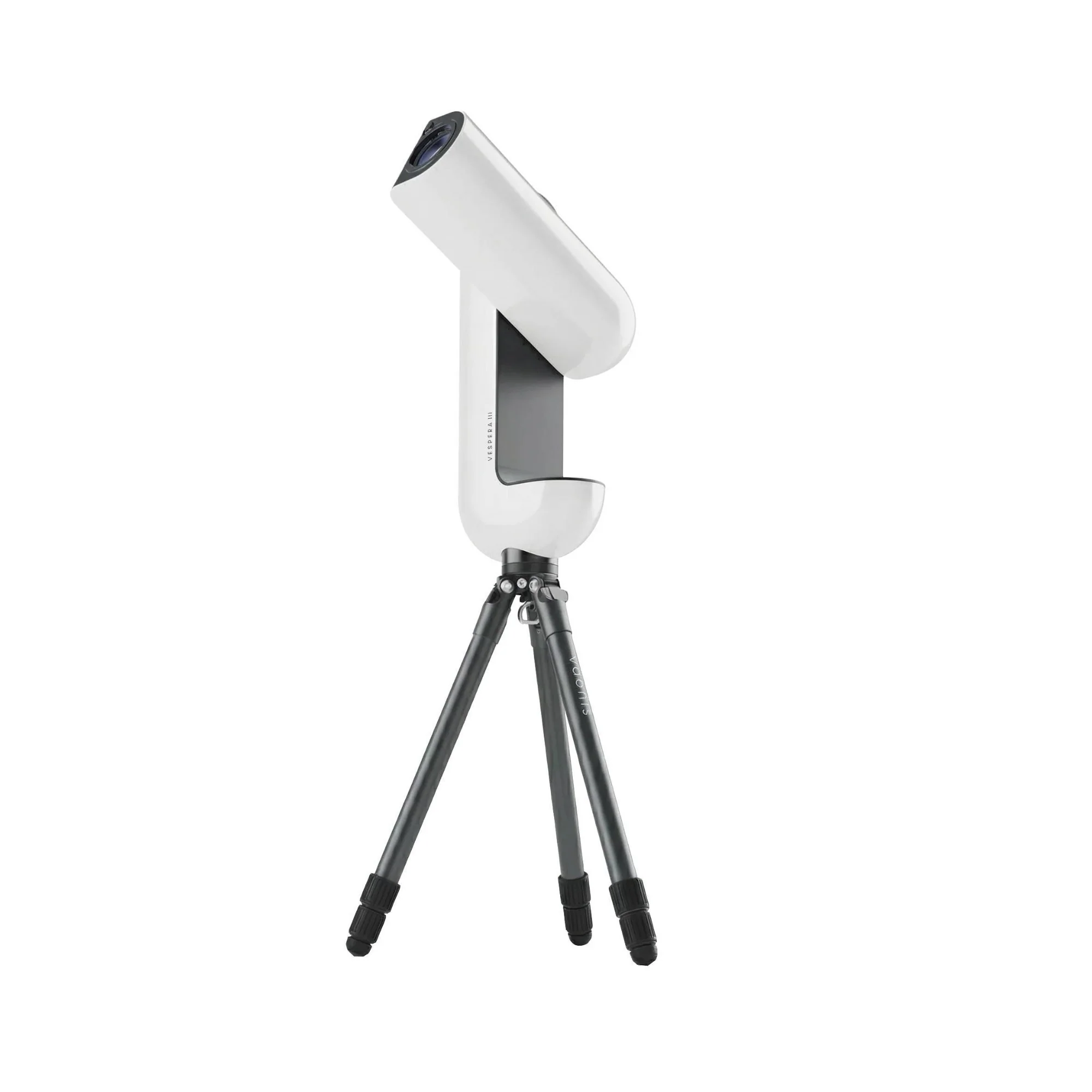
Vaonis AC024 Vespera Hygrometer Black Sensor with Anti-Fog System
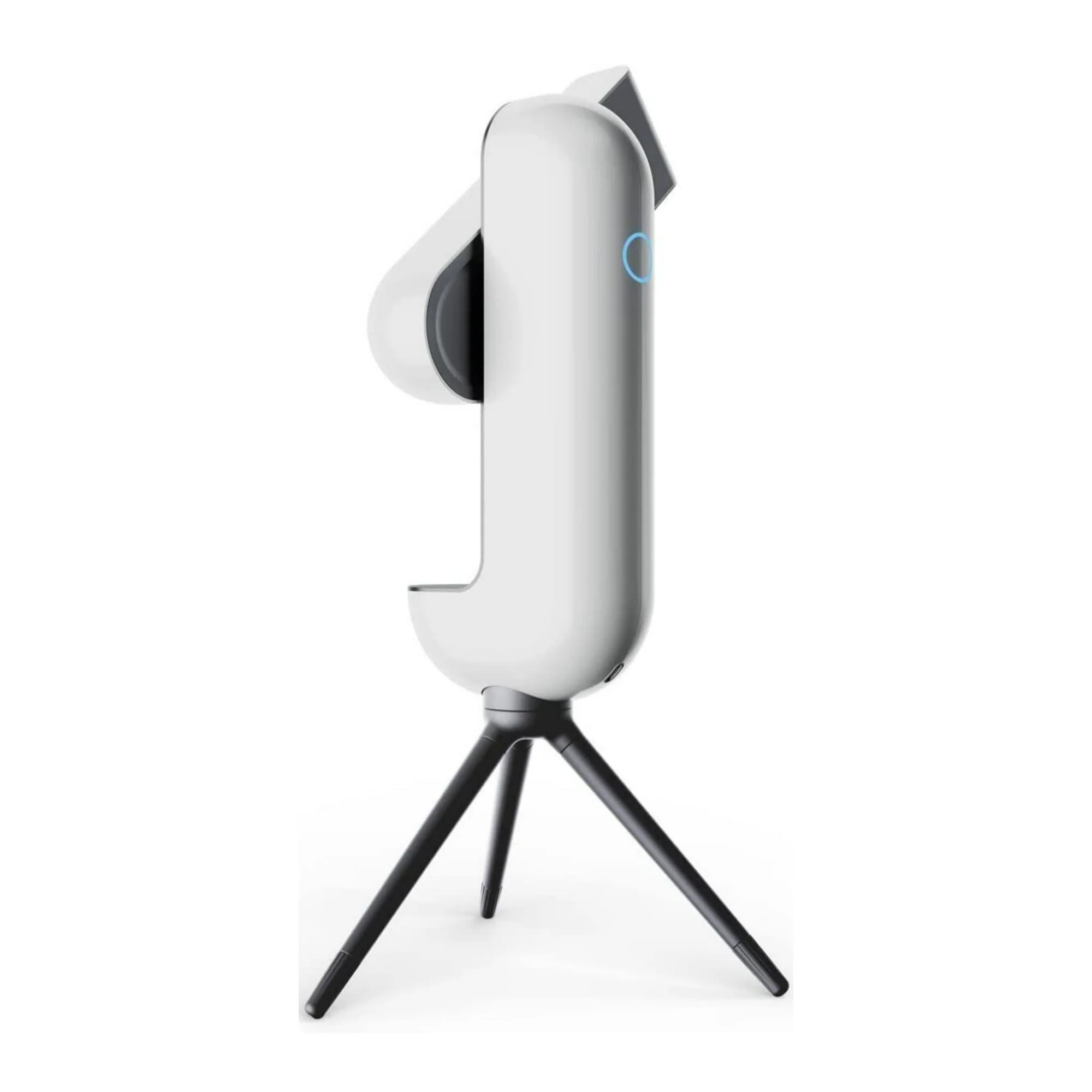
Fog is one of the many enemies of amateur astronomers. In a cold or humid environment, droplets and fog can form on the lenses of telescopes and cameras, affecting both the quality of observation and photos. The Vaonis AC024 Vespera Hygrometer Sensor is an intelligent accessory that measures the temperature and humidity thresholds of your environment at which fogging occurs on the lens of your station. It is ideal for people living in a humid region (sea, ocean, river, lake, pond, etc.) or in a region where temperatures are cold. The sensor is also great in winter when temperatures are close to 0-degree-C.
Anti-Fogging System
By equipping your station with this sensor, Vespera’s integral demister will activate when a certain temperature and humidity threshold is reached. The heat generated continuously around the lens will remove the fog, creating better viewing conditions and sharper pictures.
Improved Focus
The condensation that produces fogging affects the focus of Vespera’s photo sensor. Initialization and acquisition times may be longer because a larger number of photos will be rejected by our image processing algorithms, which check the quality of the images and discard them if they are not of sufficient quality. The sharpness of the pictures, which in astrophotography is mainly judged by the sharpness of the stars and the absence of any halo, is not as good. The hygrometer and the associated demisting system will improve both your observations and your photos.
A Discreet Design
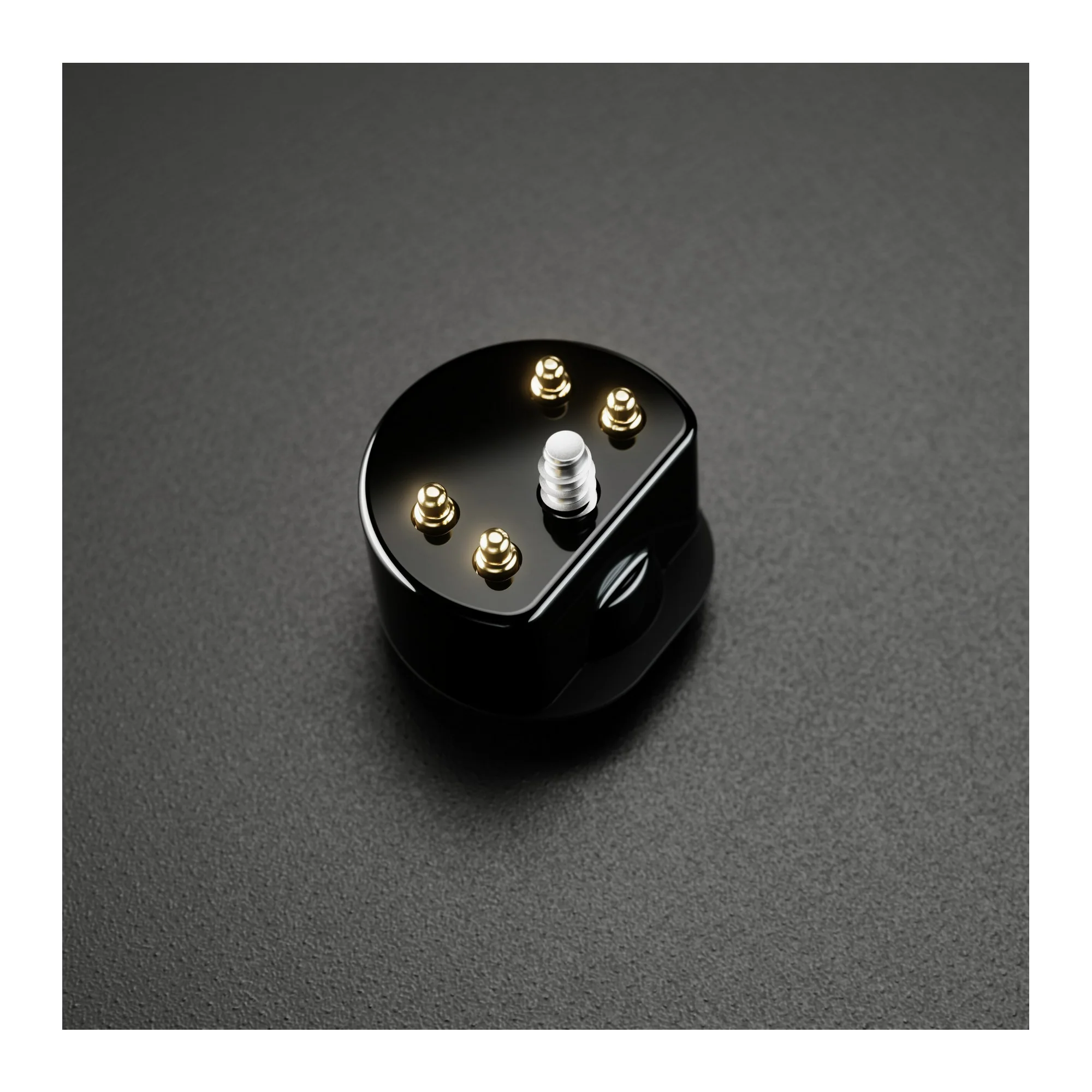
Measuring less than 13 mm, the hygrometer is equipped with an electronic board, which is the smallest board our expert engineers have ever designed. The sensor fits discreetly into Vespera’s optical arm and is compatible with the use of filters. It will automatically turn the anti-fog system on and off, so you never have to worry about it.
Instruction of Use
Remove the standard Vespera lens ring and carefully insert the hygrometer into the notch above the lens. Screw the sensor in tightly using the screwdriver provided in the box. The sensor must not move in its housing. To verify that the sensor is properly positioned, connect Vespera to your mobile device and launch the Singularity app. In the Space Center and then on the instrument screen, the ambient temperature and humidity are displayed.
Directions for Use
Make sure Vespera is turned off before installing or removing the hygrometer. You do not need to remove the sensor after each use. It is recommended to leave it in your Vespera to avoid any loss or damage. Activating the demisting system results in higher battery consumption, charge your station before using it. Fogging also occurs during large temperature changes, for example, in the winter when you move from a warm to a cold environment and the air inside your Vespera remains warm. You need to take your Vespera outside for at least 30 minutes before starting any observations so that it can adjust to the ambient temperature.
More Images




Vaonis AC024 Vespera Hygrometer Black Sensor with Anti-Fog System
Fog is one of the many enemies of amateur astronomers. In a cold or humid environment, droplets and fog can form on the lenses of telescopes and cameras, affecting both the quality of observation and photos. The Vaonis AC024 Vespera Hygrometer Sensor is an intelligent accessory that measures the temperature and humidity thresholds of your environment at which fogging occurs on the lens of your station. It is ideal for people living in a humid region (sea, ocean, river, lake, pond, etc.) or in a region where temperatures are cold. The sensor is also great in winter when temperatures are close to 0-degree-C.
Anti-Fogging System
By equipping your station with this sensor, Vespera’s integral demister will activate when a certain temperature and humidity threshold is reached. The heat generated continuously around the lens will remove the fog, creating better viewing conditions and sharper pictures.
Improved Focus
The condensation that produces fogging affects the focus of Vespera’s photo sensor. Initialization and acquisition times may be longer because a larger number of photos will be rejected by our image processing algorithms, which check the quality of the images and discard them if they are not of sufficient quality. The sharpness of the pictures, which in astrophotography is mainly judged by the sharpness of the stars and the absence of any halo, is not as good. The hygrometer and the associated demisting system will improve both your observations and your photos.
A Discreet Design
Measuring less than 13 mm, the hygrometer is equipped with an electronic board, which is the smallest board our expert engineers have ever designed. The sensor fits discreetly into Vespera’s optical arm and is compatible with the use of filters. It will automatically turn the anti-fog system on and off, so you never have to worry about it.
Instruction of Use
Remove the standard Vespera lens ring and carefully insert the hygrometer into the notch above the lens. Screw the sensor in tightly using the screwdriver provided in the box. The sensor must not move in its housing. To verify that the sensor is properly positioned, connect Vespera to your mobile device and launch the Singularity app. In the Space Center and then on the instrument screen, the ambient temperature and humidity are displayed.
Directions for Use
Make sure Vespera is turned off before installing or removing the hygrometer. You do not need to remove the sensor after each use. It is recommended to leave it in your Vespera to avoid any loss or damage. Activating the demisting system results in higher battery consumption, charge your station before using it. Fogging also occurs during large temperature changes, for example, in the winter when you move from a warm to a cold environment and the air inside your Vespera remains warm. You need to take your Vespera outside for at least 30 minutes before starting any observations so that it can adjust to the ambient temperature.
Product Information
Product Information
Shipping & Returns
Shipping & Returns
Description
Fog is one of the many enemies of amateur astronomers. In a cold or humid environment, droplets and fog can form on the lenses of telescopes and cameras, affecting both the quality of observation and photos. The Vaonis AC024 Vespera Hygrometer Sensor is an intelligent accessory that measures the temperature and humidity thresholds of your environment at which fogging occurs on the lens of your station. It is ideal for people living in a humid region (sea, ocean, river, lake, pond, etc.) or in a region where temperatures are cold. The sensor is also great in winter when temperatures are close to 0-degree-C.
Anti-Fogging System
By equipping your station with this sensor, Vespera’s integral demister will activate when a certain temperature and humidity threshold is reached. The heat generated continuously around the lens will remove the fog, creating better viewing conditions and sharper pictures.
Improved Focus
The condensation that produces fogging affects the focus of Vespera’s photo sensor. Initialization and acquisition times may be longer because a larger number of photos will be rejected by our image processing algorithms, which check the quality of the images and discard them if they are not of sufficient quality. The sharpness of the pictures, which in astrophotography is mainly judged by the sharpness of the stars and the absence of any halo, is not as good. The hygrometer and the associated demisting system will improve both your observations and your photos.
A Discreet Design
Measuring less than 13 mm, the hygrometer is equipped with an electronic board, which is the smallest board our expert engineers have ever designed. The sensor fits discreetly into Vespera’s optical arm and is compatible with the use of filters. It will automatically turn the anti-fog system on and off, so you never have to worry about it.
Instruction of Use
Remove the standard Vespera lens ring and carefully insert the hygrometer into the notch above the lens. Screw the sensor in tightly using the screwdriver provided in the box. The sensor must not move in its housing. To verify that the sensor is properly positioned, connect Vespera to your mobile device and launch the Singularity app. In the Space Center and then on the instrument screen, the ambient temperature and humidity are displayed.
Directions for Use
Make sure Vespera is turned off before installing or removing the hygrometer. You do not need to remove the sensor after each use. It is recommended to leave it in your Vespera to avoid any loss or damage. Activating the demisting system results in higher battery consumption, charge your station before using it. Fogging also occurs during large temperature changes, for example, in the winter when you move from a warm to a cold environment and the air inside your Vespera remains warm. You need to take your Vespera outside for at least 30 minutes before starting any observations so that it can adjust to the ambient temperature.