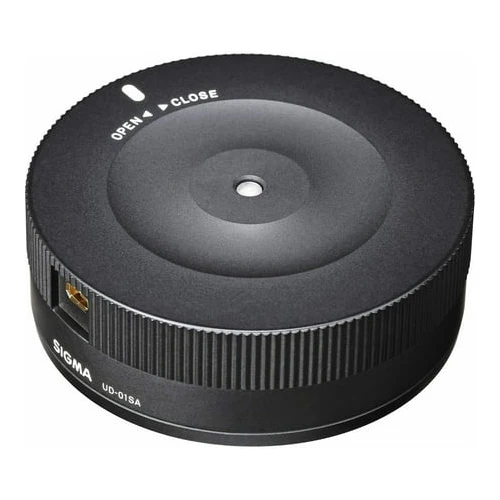
Sigma USB Dock for Canon Lenses
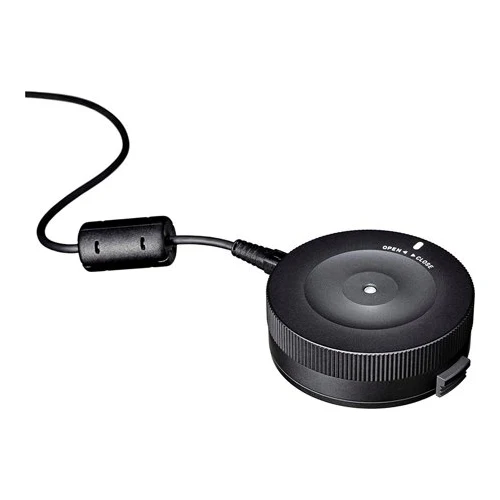
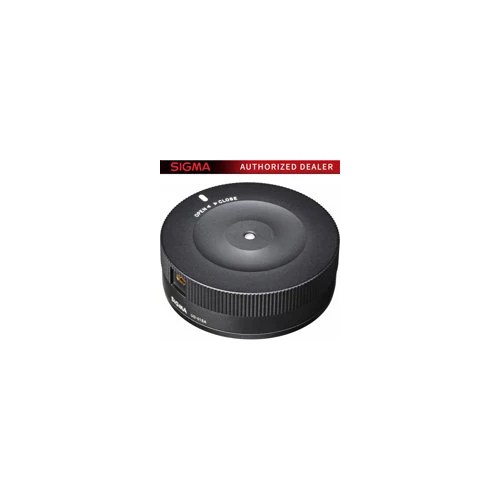
The Sigma USB dock works in conjunction with Sigma Optimization Pro software in order to connect a photographers lens to their personal computer to update firmware, calibrate the lens and other customizations such as the focus parameter. The dock is only compatible with the Sigma Art, Contemporary, and Sports line lenses featuring a Canon EF lens mount. For the Sports category, changes can be made to: Autofocus speed, focus limiters, manual focus override and optical stabilization functionality. Updating the firmware can be done via the internet. Sigma Photo Pro is available for Mac and PC computers.
AF Speed and Optical Stabilizer Modes
For all lines of lenses, there are four categories for prime lenses and 16 categories (four options for focal length, four options for shooting distance) for zoom lenses available. These categories allow you to set up certain focusing settings to better suit your personal shooting style. If using a Sports line lens, additional lens configurations are also available. The dock features three different AF speed modes to modify how quickly the lens changes focus. You can also constrain focus distances within a specific range to suit your personal shooting habits. Plus, the dock includes three Optical Stabilizer modes to suit the manner in which you are shooting. Sigma Photo Pro is available for Mac and PC computers.
Original: $65.00
-65%$65.00
$22.75More Images
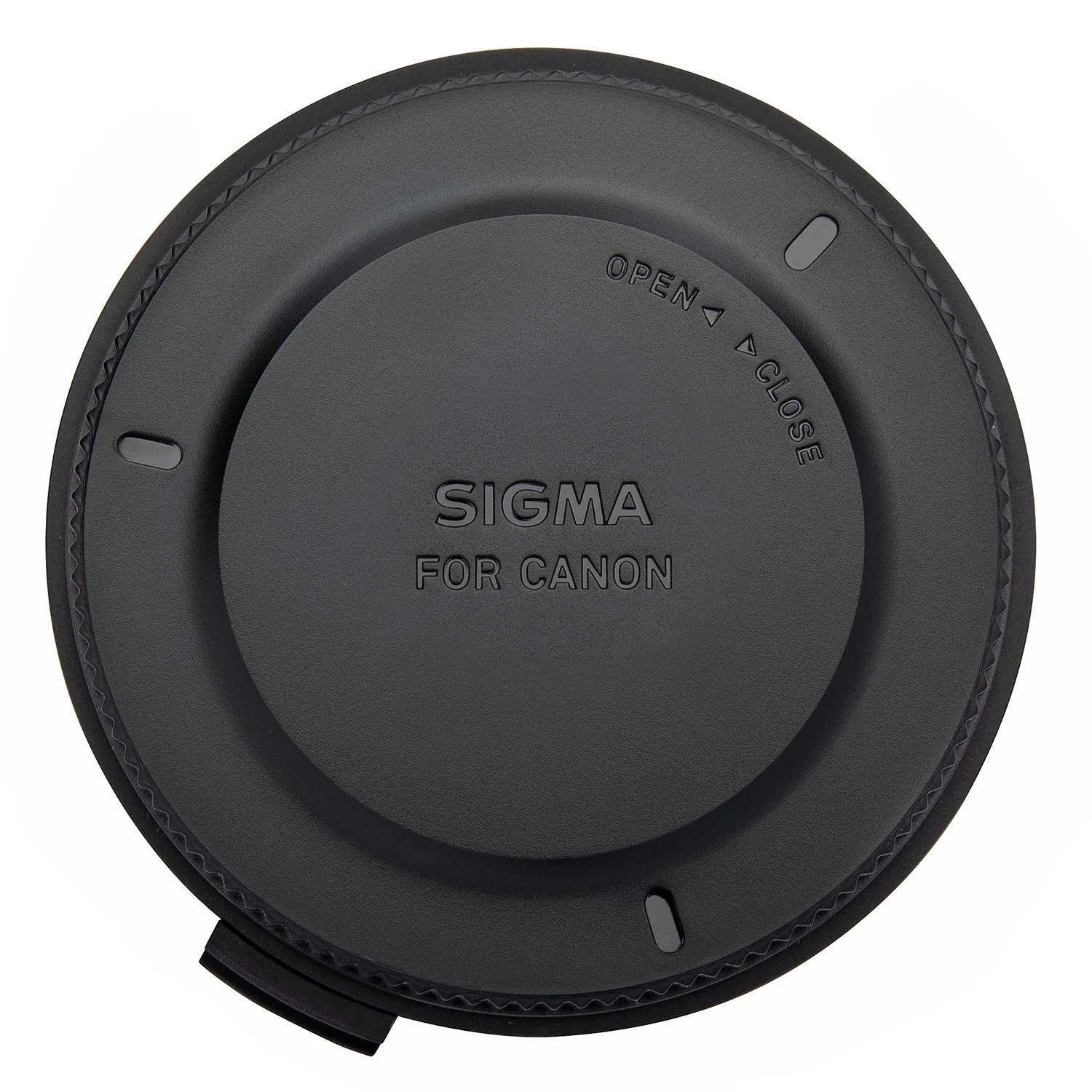


Sigma USB Dock for Canon Lenses
The Sigma USB dock works in conjunction with Sigma Optimization Pro software in order to connect a photographers lens to their personal computer to update firmware, calibrate the lens and other customizations such as the focus parameter. The dock is only compatible with the Sigma Art, Contemporary, and Sports line lenses featuring a Canon EF lens mount. For the Sports category, changes can be made to: Autofocus speed, focus limiters, manual focus override and optical stabilization functionality. Updating the firmware can be done via the internet. Sigma Photo Pro is available for Mac and PC computers.
AF Speed and Optical Stabilizer Modes
For all lines of lenses, there are four categories for prime lenses and 16 categories (four options for focal length, four options for shooting distance) for zoom lenses available. These categories allow you to set up certain focusing settings to better suit your personal shooting style. If using a Sports line lens, additional lens configurations are also available. The dock features three different AF speed modes to modify how quickly the lens changes focus. You can also constrain focus distances within a specific range to suit your personal shooting habits. Plus, the dock includes three Optical Stabilizer modes to suit the manner in which you are shooting. Sigma Photo Pro is available for Mac and PC computers.
Product Information
Product Information
Shipping & Returns
Shipping & Returns
Description
The Sigma USB dock works in conjunction with Sigma Optimization Pro software in order to connect a photographers lens to their personal computer to update firmware, calibrate the lens and other customizations such as the focus parameter. The dock is only compatible with the Sigma Art, Contemporary, and Sports line lenses featuring a Canon EF lens mount. For the Sports category, changes can be made to: Autofocus speed, focus limiters, manual focus override and optical stabilization functionality. Updating the firmware can be done via the internet. Sigma Photo Pro is available for Mac and PC computers.
AF Speed and Optical Stabilizer Modes
For all lines of lenses, there are four categories for prime lenses and 16 categories (four options for focal length, four options for shooting distance) for zoom lenses available. These categories allow you to set up certain focusing settings to better suit your personal shooting style. If using a Sports line lens, additional lens configurations are also available. The dock features three different AF speed modes to modify how quickly the lens changes focus. You can also constrain focus distances within a specific range to suit your personal shooting habits. Plus, the dock includes three Optical Stabilizer modes to suit the manner in which you are shooting. Sigma Photo Pro is available for Mac and PC computers.