MustHD 7" Hyper-Brite 1920x1200 Monitor with 3G-SDI Input
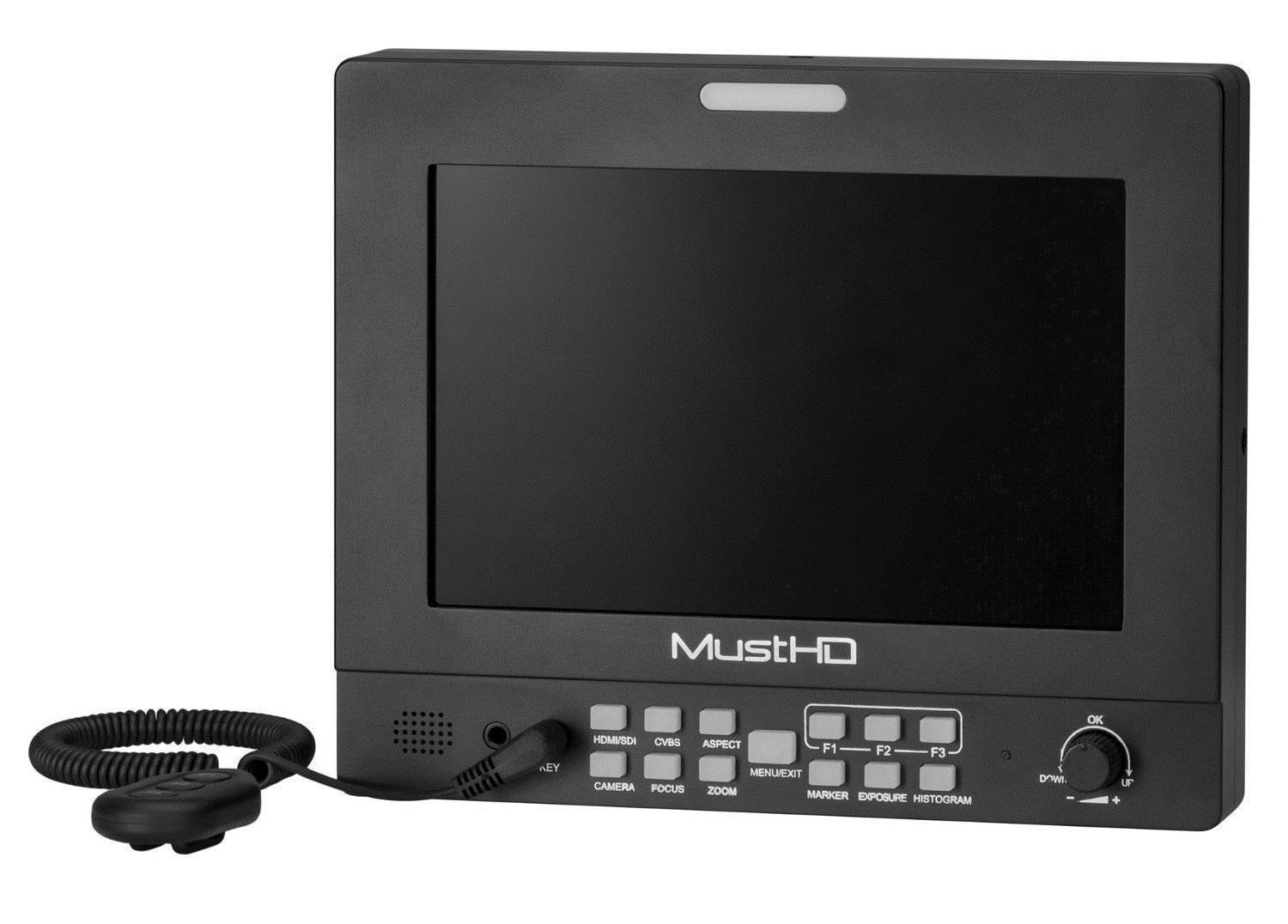
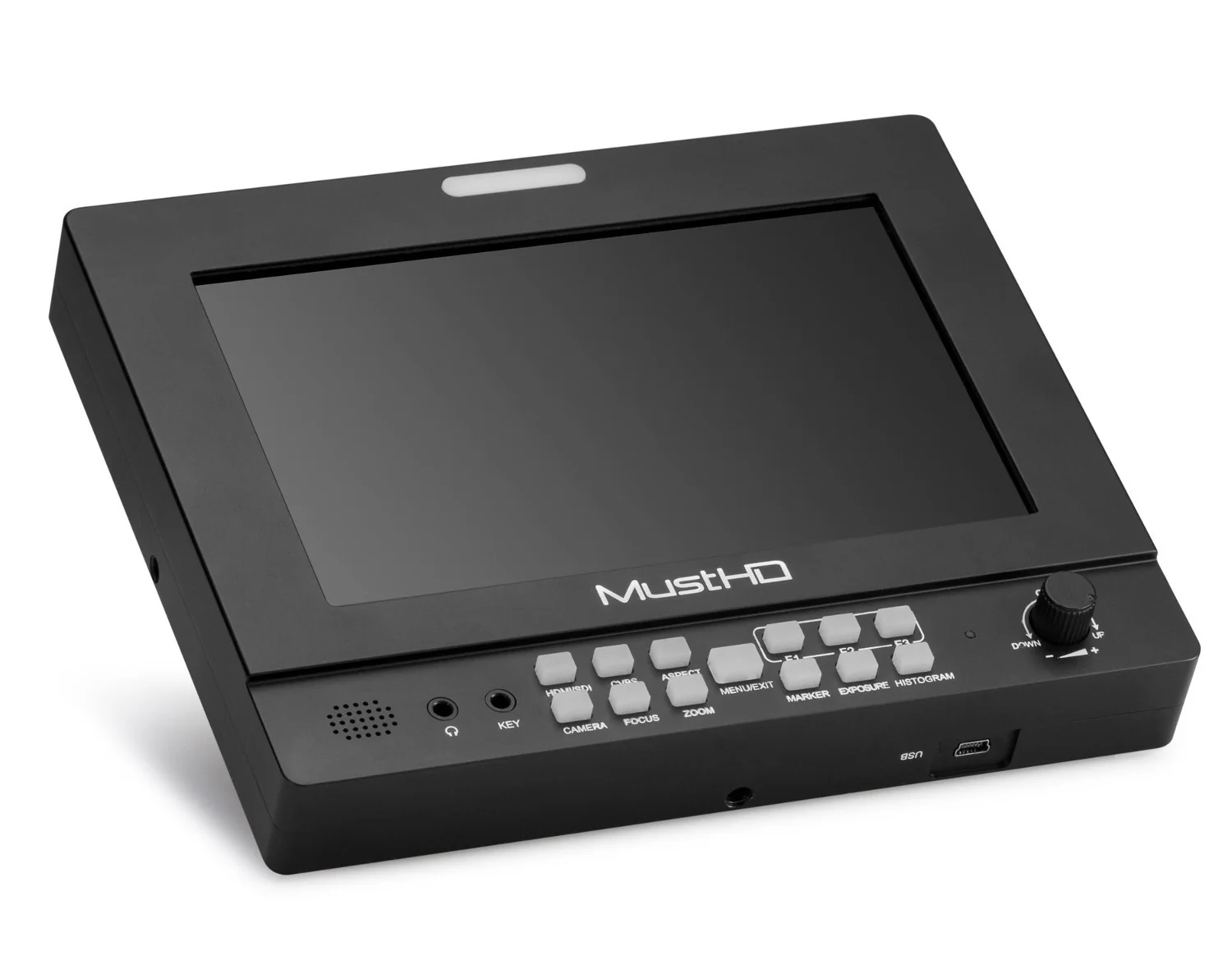
This top-of-the-line, powerful, and affordable 3G-SDI M703S field monitor was designed for the professional cinematographer shooting in the field. The 7" 1920x1200 Hyper-Brite™ IPS panel has an industry-leading LED backlight capable of 2200cd/m² (2,200 nits) output. The brightness of the display enables viewing in sunlight without the need for a sun hood.
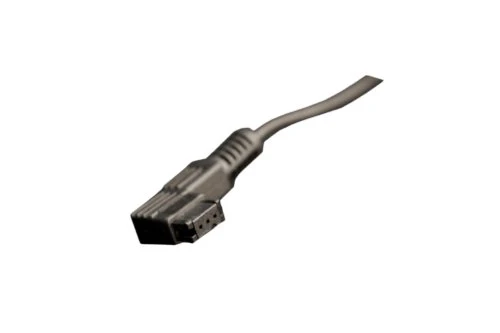
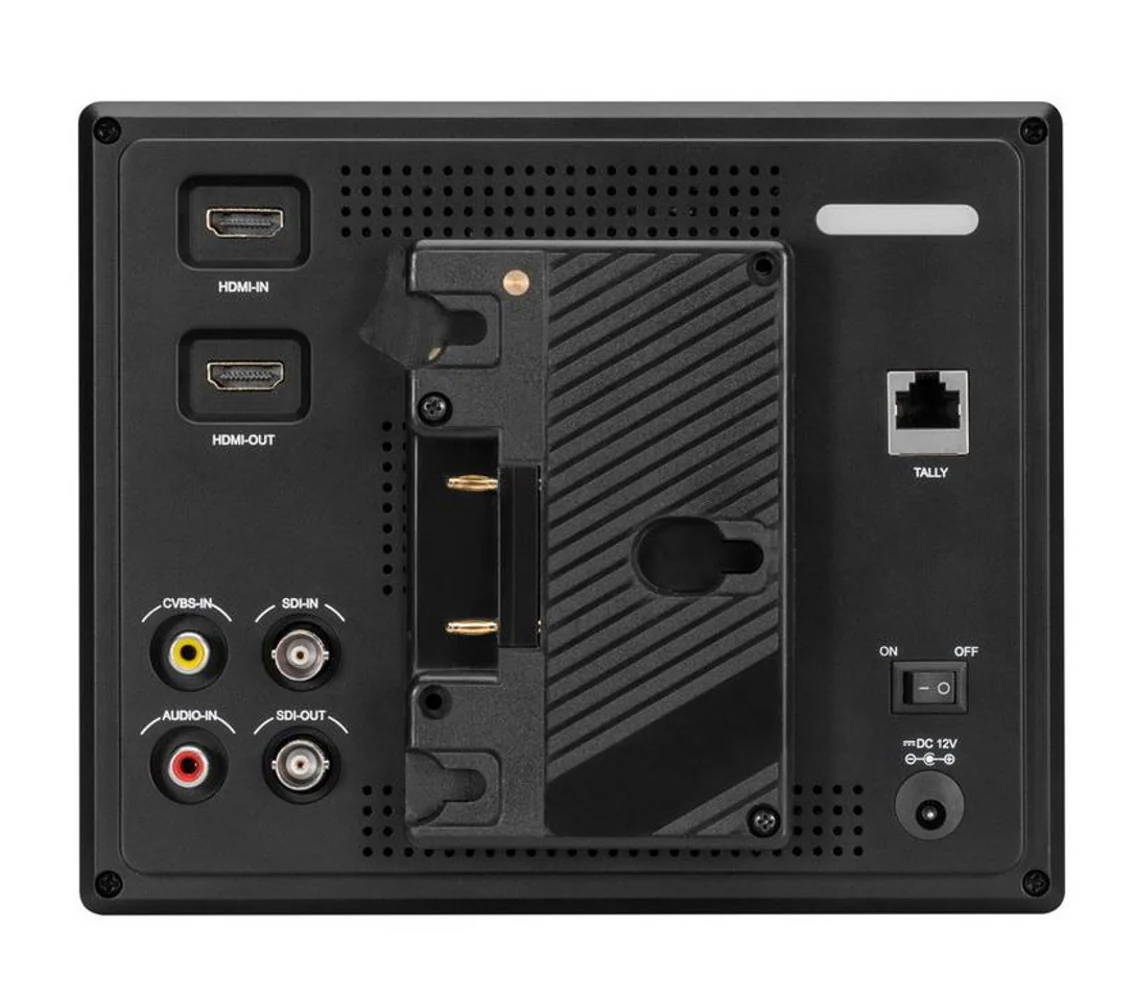
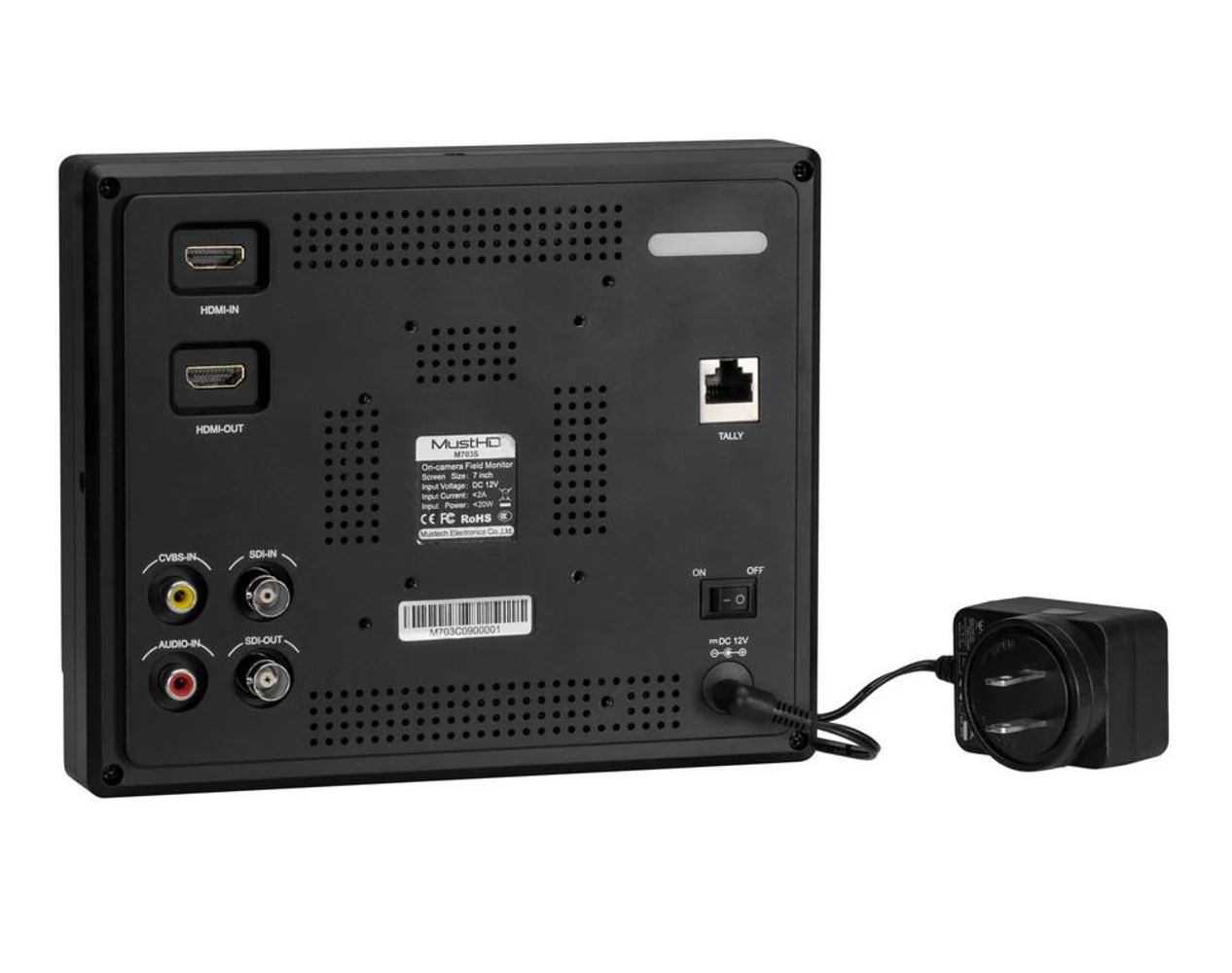
The SDI and HDMI inputs can handle up to a 4K/60Hz signal and the loop-through output enables the use of external recording devices for maximum capture flexibility. It is constructed with aluminum making it durable and fast cooling. It ensures the monitor's reliability and longevity. The programmable wired 3 button remote helps make your work easier. Easily set up your most used functions and be able to access them with the push of a single button. A hook and loop strap allows the remote to be attached to a tripod or frame.
Focus
It helps the user to easily find the right focus by adding a sharp outline on the shape or boundaries of the object until the color indicator outlining the desired area indicates optimal focus. The peaking has three color options red, green and blue.
False Color
The False Color filter is used to aid in the setting of camera exposure. As the camera Iris is adjusted, elements of the image will change color based on the luminance or brightness values. This enables proper exposure to be achieved without the use of costly, complicated external test equipment.
Histogram
Luminance histogram: shows the distribution of brightness in an image as a graph of luminance.
Exposure (Zebra)
It superimposes zebra over the on-screen image, indicating if an area of the shot is overexposed.
Volume Bar
The Audio Level Meters provide the numerical indicators and headroom levels. It can generate accurate audio level displays to prevent errors during monitoring.
Single Color
It is an assistant function to adjust camera color settings. Under the single color mode, you can use red, green, blue or mono pixels to generate the image.
Marker
A border line of the Safety Area will be displayed inside the marker. When the marker and the marker type are both activated, a border line of the Safety Area will be displayed inside the marker. To set the marker type between auto, 16:10, 16:9, 15:9, 1.85:1, 2.35:1 and 4:3.
Aspect Ratio
To set the display scale mode between auto 16:10, 16:9, 15:9, 1.85:1, 2.35:1 and 4:3.
H/V Mirror
It can flip the image horizontally/vertically.
Original: $599.99
-65%$599.99
$210.00More Images


MustHD 7" Hyper-Brite 1920x1200 Monitor with 3G-SDI Input
This top-of-the-line, powerful, and affordable 3G-SDI M703S field monitor was designed for the professional cinematographer shooting in the field. The 7" 1920x1200 Hyper-Brite™ IPS panel has an industry-leading LED backlight capable of 2200cd/m² (2,200 nits) output. The brightness of the display enables viewing in sunlight without the need for a sun hood.
The SDI and HDMI inputs can handle up to a 4K/60Hz signal and the loop-through output enables the use of external recording devices for maximum capture flexibility. It is constructed with aluminum making it durable and fast cooling. It ensures the monitor's reliability and longevity. The programmable wired 3 button remote helps make your work easier. Easily set up your most used functions and be able to access them with the push of a single button. A hook and loop strap allows the remote to be attached to a tripod or frame.
Focus
It helps the user to easily find the right focus by adding a sharp outline on the shape or boundaries of the object until the color indicator outlining the desired area indicates optimal focus. The peaking has three color options red, green and blue.
False Color
The False Color filter is used to aid in the setting of camera exposure. As the camera Iris is adjusted, elements of the image will change color based on the luminance or brightness values. This enables proper exposure to be achieved without the use of costly, complicated external test equipment.
Histogram
Luminance histogram: shows the distribution of brightness in an image as a graph of luminance.
Exposure (Zebra)
It superimposes zebra over the on-screen image, indicating if an area of the shot is overexposed.
Volume Bar
The Audio Level Meters provide the numerical indicators and headroom levels. It can generate accurate audio level displays to prevent errors during monitoring.
Single Color
It is an assistant function to adjust camera color settings. Under the single color mode, you can use red, green, blue or mono pixels to generate the image.
Marker
A border line of the Safety Area will be displayed inside the marker. When the marker and the marker type are both activated, a border line of the Safety Area will be displayed inside the marker. To set the marker type between auto, 16:10, 16:9, 15:9, 1.85:1, 2.35:1 and 4:3.
Aspect Ratio
To set the display scale mode between auto 16:10, 16:9, 15:9, 1.85:1, 2.35:1 and 4:3.
H/V Mirror
It can flip the image horizontally/vertically.
Product Information
Product Information
Shipping & Returns
Shipping & Returns
Description
This top-of-the-line, powerful, and affordable 3G-SDI M703S field monitor was designed for the professional cinematographer shooting in the field. The 7" 1920x1200 Hyper-Brite™ IPS panel has an industry-leading LED backlight capable of 2200cd/m² (2,200 nits) output. The brightness of the display enables viewing in sunlight without the need for a sun hood.
The SDI and HDMI inputs can handle up to a 4K/60Hz signal and the loop-through output enables the use of external recording devices for maximum capture flexibility. It is constructed with aluminum making it durable and fast cooling. It ensures the monitor's reliability and longevity. The programmable wired 3 button remote helps make your work easier. Easily set up your most used functions and be able to access them with the push of a single button. A hook and loop strap allows the remote to be attached to a tripod or frame.
Focus
It helps the user to easily find the right focus by adding a sharp outline on the shape or boundaries of the object until the color indicator outlining the desired area indicates optimal focus. The peaking has three color options red, green and blue.
False Color
The False Color filter is used to aid in the setting of camera exposure. As the camera Iris is adjusted, elements of the image will change color based on the luminance or brightness values. This enables proper exposure to be achieved without the use of costly, complicated external test equipment.
Histogram
Luminance histogram: shows the distribution of brightness in an image as a graph of luminance.
Exposure (Zebra)
It superimposes zebra over the on-screen image, indicating if an area of the shot is overexposed.
Volume Bar
The Audio Level Meters provide the numerical indicators and headroom levels. It can generate accurate audio level displays to prevent errors during monitoring.
Single Color
It is an assistant function to adjust camera color settings. Under the single color mode, you can use red, green, blue or mono pixels to generate the image.
Marker
A border line of the Safety Area will be displayed inside the marker. When the marker and the marker type are both activated, a border line of the Safety Area will be displayed inside the marker. To set the marker type between auto, 16:10, 16:9, 15:9, 1.85:1, 2.35:1 and 4:3.
Aspect Ratio
To set the display scale mode between auto 16:10, 16:9, 15:9, 1.85:1, 2.35:1 and 4:3.
H/V Mirror
It can flip the image horizontally/vertically.