Logitech H151 Stereo Multi-Device Headset with In-Line Controls
Just plug your Logitech H151 Stereo Multi-Device Headset with In-Line Controls into the 3.5mm port on your computer, tablet, or smartphone and it’s ready to go. In-line controls let you control volume or mute calls without disruption.
Easy to Use
The essential stereo headset works on all operating systems and platforms via the standard 3.5mm audio jack connection. Just plug your headset into the 3.5mm port on your computer, tablet, or smartphone and it’s ready to go. In-line controls let you control volume or mute calls without disruption. It is a convenient noise-canceling microphone that reduces background noise.
Stereo Sound
Full stereo sound for crisp, clear voice and video calls, music, games, and more. An essential stereo headset for either personal use or the office.
Rotating Microphone
The boom can rotate 180 degrees to be worn on the left or right. This flexible mic can be positioned for better voice capture and background noise reduction. The boom can be tucked out of the way when you’re not using it.
In-Line Controls
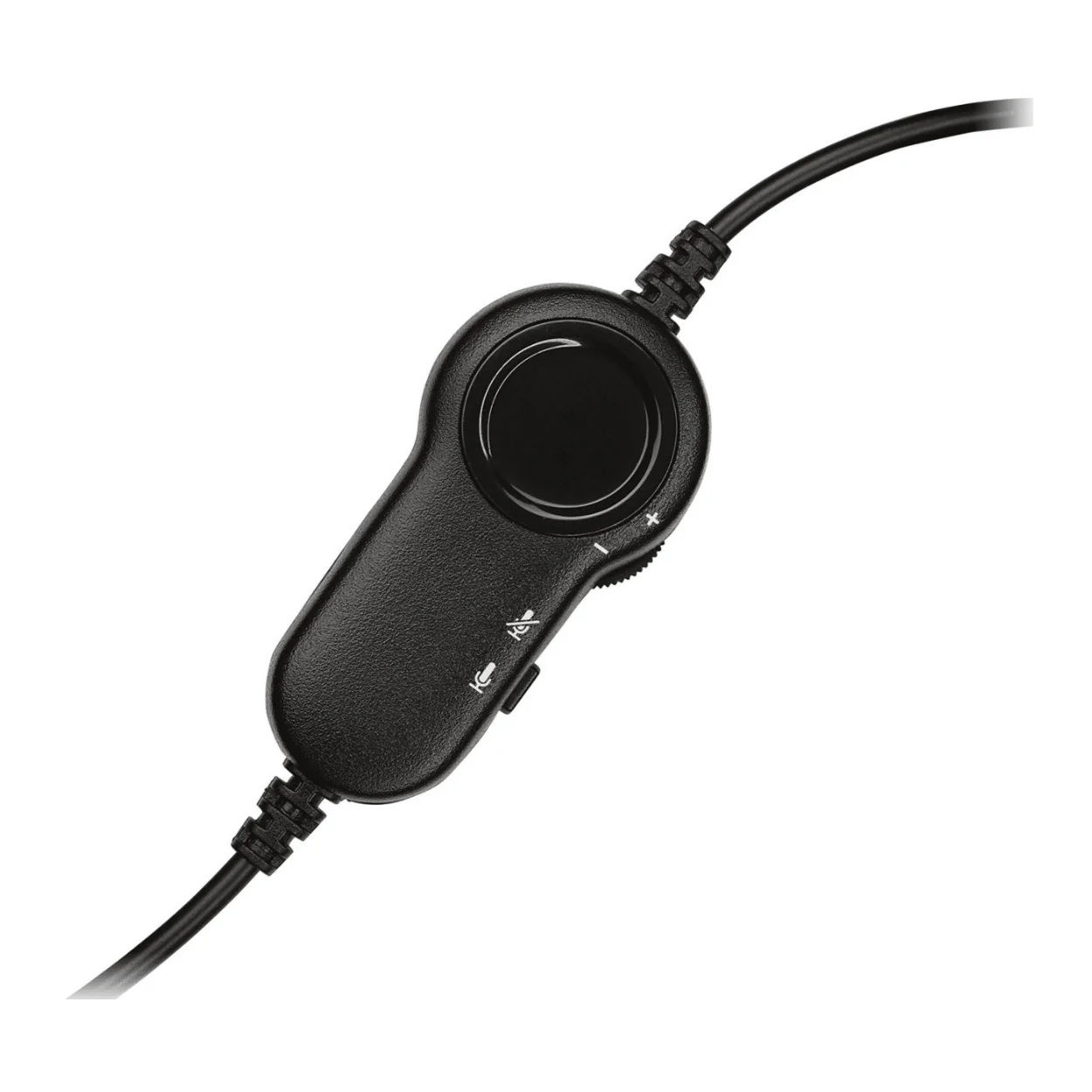
Convenient in-line controls on the headset cord let you adjust the volume or mute calls without disruption.
Adjustable Headband
It is a sturdy yet lightweight stereo headset that has a broad range of adjustments. Ultra-soft foam ear cushions provide hours of comfort.
3.5mm Audio Jack Connection
Simply plug the 3.5mm audio jack into your computer, smartphone, or tablet and you’re ready to talk.
Carbon Clarity
The carbon footprint of this product is 1.62 kg CO2e.
Original: $19.99
-65%$19.99
$7.00More Images


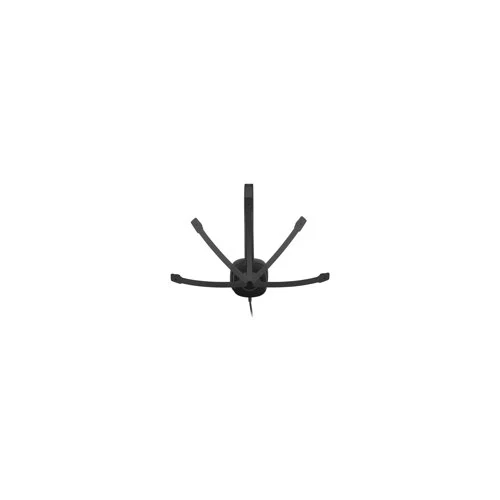




Logitech H151 Stereo Multi-Device Headset with In-Line Controls
Just plug your Logitech H151 Stereo Multi-Device Headset with In-Line Controls into the 3.5mm port on your computer, tablet, or smartphone and it’s ready to go. In-line controls let you control volume or mute calls without disruption.
Easy to Use
The essential stereo headset works on all operating systems and platforms via the standard 3.5mm audio jack connection. Just plug your headset into the 3.5mm port on your computer, tablet, or smartphone and it’s ready to go. In-line controls let you control volume or mute calls without disruption. It is a convenient noise-canceling microphone that reduces background noise.
Stereo Sound
Full stereo sound for crisp, clear voice and video calls, music, games, and more. An essential stereo headset for either personal use or the office.
Rotating Microphone
The boom can rotate 180 degrees to be worn on the left or right. This flexible mic can be positioned for better voice capture and background noise reduction. The boom can be tucked out of the way when you’re not using it.
In-Line Controls
Convenient in-line controls on the headset cord let you adjust the volume or mute calls without disruption.
Adjustable Headband
It is a sturdy yet lightweight stereo headset that has a broad range of adjustments. Ultra-soft foam ear cushions provide hours of comfort.
3.5mm Audio Jack Connection
Simply plug the 3.5mm audio jack into your computer, smartphone, or tablet and you’re ready to talk.
Carbon Clarity
The carbon footprint of this product is 1.62 kg CO2e.
Product Information
Product Information
Shipping & Returns
Shipping & Returns
Description
Just plug your Logitech H151 Stereo Multi-Device Headset with In-Line Controls into the 3.5mm port on your computer, tablet, or smartphone and it’s ready to go. In-line controls let you control volume or mute calls without disruption.
Easy to Use
The essential stereo headset works on all operating systems and platforms via the standard 3.5mm audio jack connection. Just plug your headset into the 3.5mm port on your computer, tablet, or smartphone and it’s ready to go. In-line controls let you control volume or mute calls without disruption. It is a convenient noise-canceling microphone that reduces background noise.
Stereo Sound
Full stereo sound for crisp, clear voice and video calls, music, games, and more. An essential stereo headset for either personal use or the office.
Rotating Microphone
The boom can rotate 180 degrees to be worn on the left or right. This flexible mic can be positioned for better voice capture and background noise reduction. The boom can be tucked out of the way when you’re not using it.
In-Line Controls
Convenient in-line controls on the headset cord let you adjust the volume or mute calls without disruption.
Adjustable Headband
It is a sturdy yet lightweight stereo headset that has a broad range of adjustments. Ultra-soft foam ear cushions provide hours of comfort.
3.5mm Audio Jack Connection
Simply plug the 3.5mm audio jack into your computer, smartphone, or tablet and you’re ready to talk.
Carbon Clarity
The carbon footprint of this product is 1.62 kg CO2e.