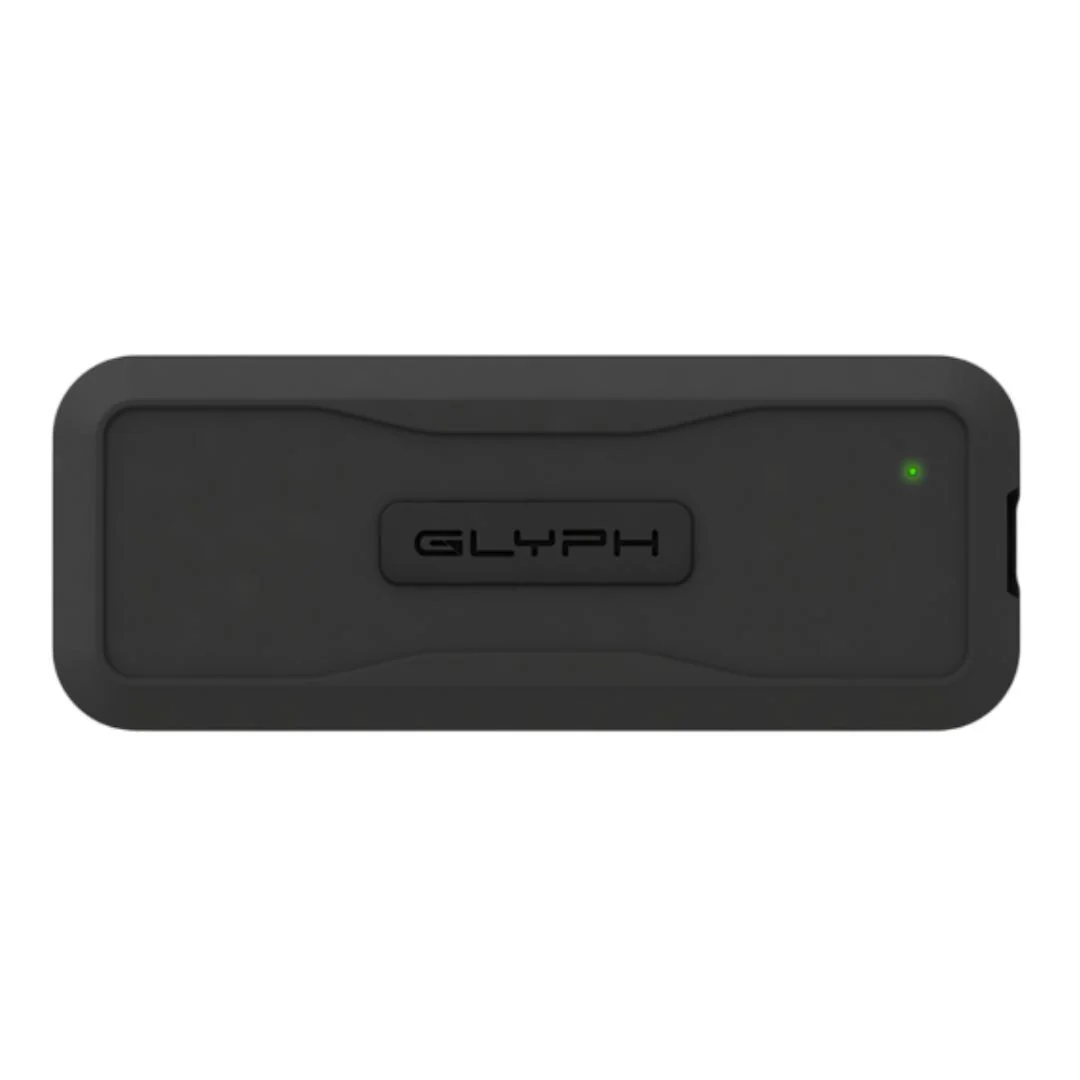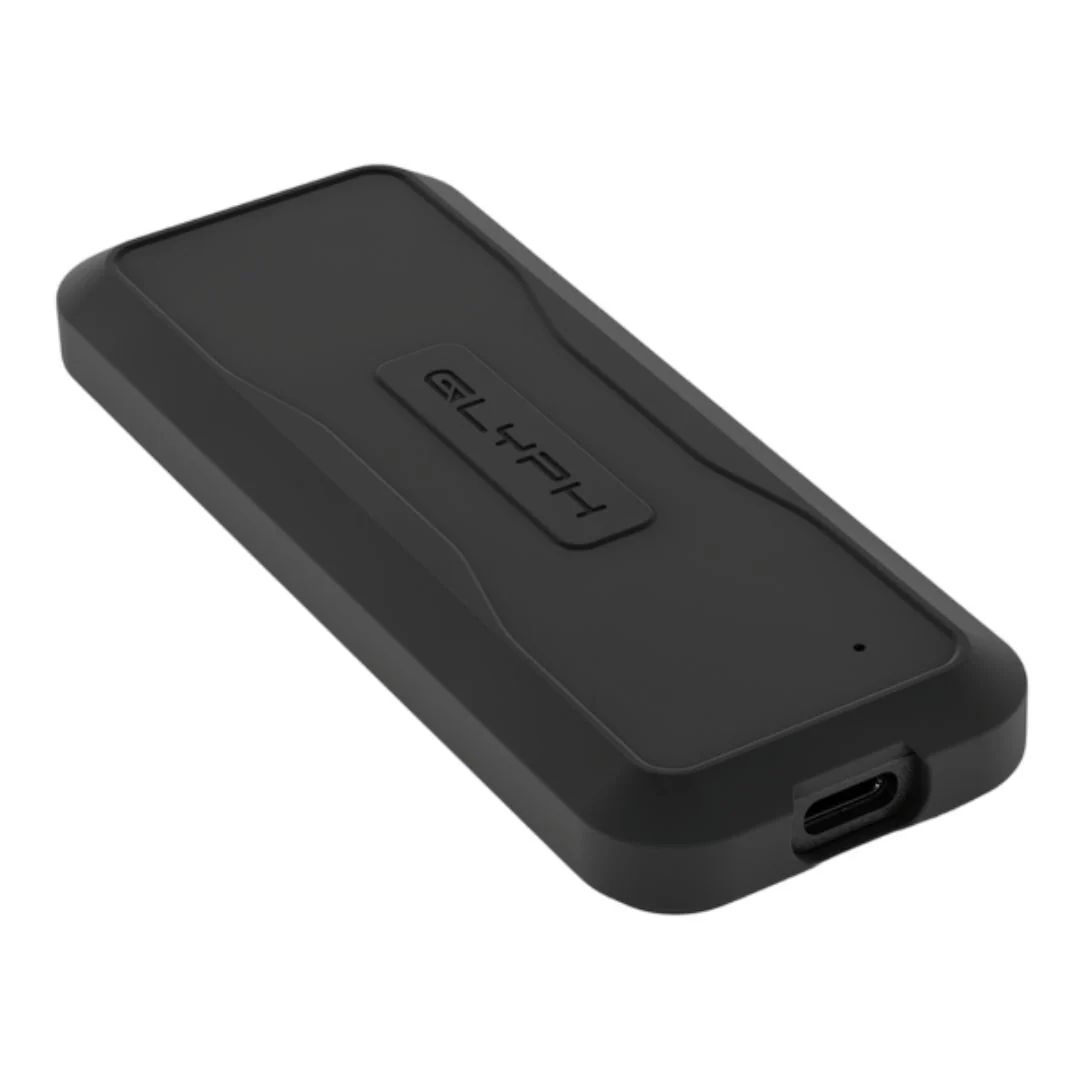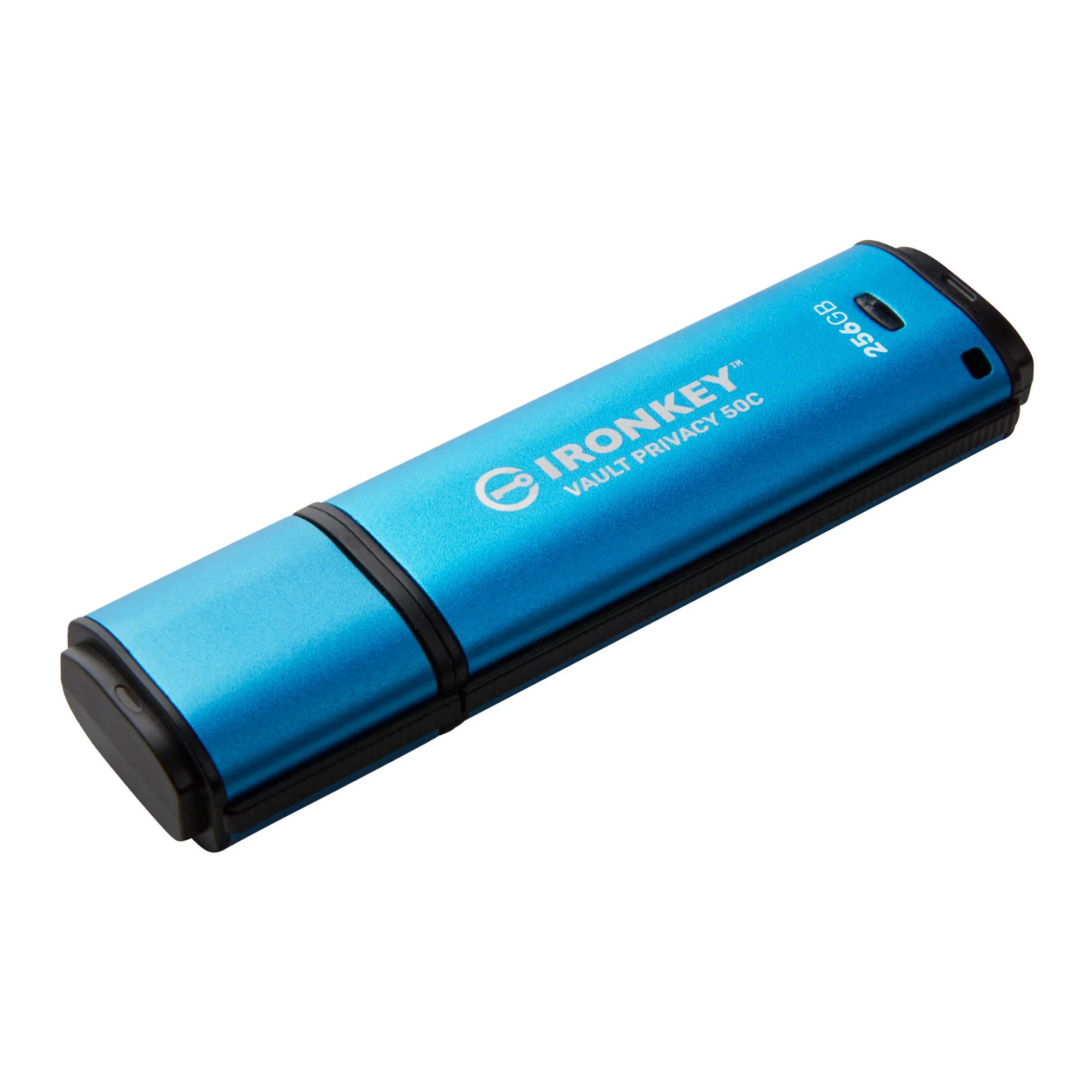
Kingston IronKey Vault Privacy 50 Series 256GB USB-C Flash Drive
Hardware-encrypted USB Drive for Data Protection
Safeguard important data with FIPS 197 certified XTS-AES 256-bit encryption. Built-in protections against BadUSB, Brute Force attacks, and Pen Tested for enterprise-grade security.
Multi-Password Option for Data Recovery
Enable Admin, User, and One-Time Recovery passwords. Admin can reset a User's password and create a One-Time recovery password to restore the User’s access to data. Brute Force attack protection locks out the User or One-Time Recovery passwords upon 10 invalid passwords entered in a row, and crypto-erases the drive if the Admin password is entered incorrectly 10 times in a row.
New Passphrase Mode
Select between Complex or Passphrase password mode. Passphrases can be a numeric PIN, a sentence with space characters, a list of words, or even lyrics – from 10 to 64 characters long.
Dual Read-Only (Write-Protect) Settings
Avoid malware attacks with a forced Read-Only mode set by Admin for User, or a session-based Read-Only mode set by Admin or User.
Locally Manage Drives for Small and Medium Businesses
Use the Admin role to locally manage employee User and One-Time Recovery passwords, recover data access on locked drives, and comply with laws and regulations when forensics are required.
Additional Security Features
Reduce failed login attempts and frustration by enabling the eye button to view the password typed. Use a virtual keyboard to shield password entry from keyloggers and screenloggers.
Original: $170.99
-65%$170.99
$59.85More Images
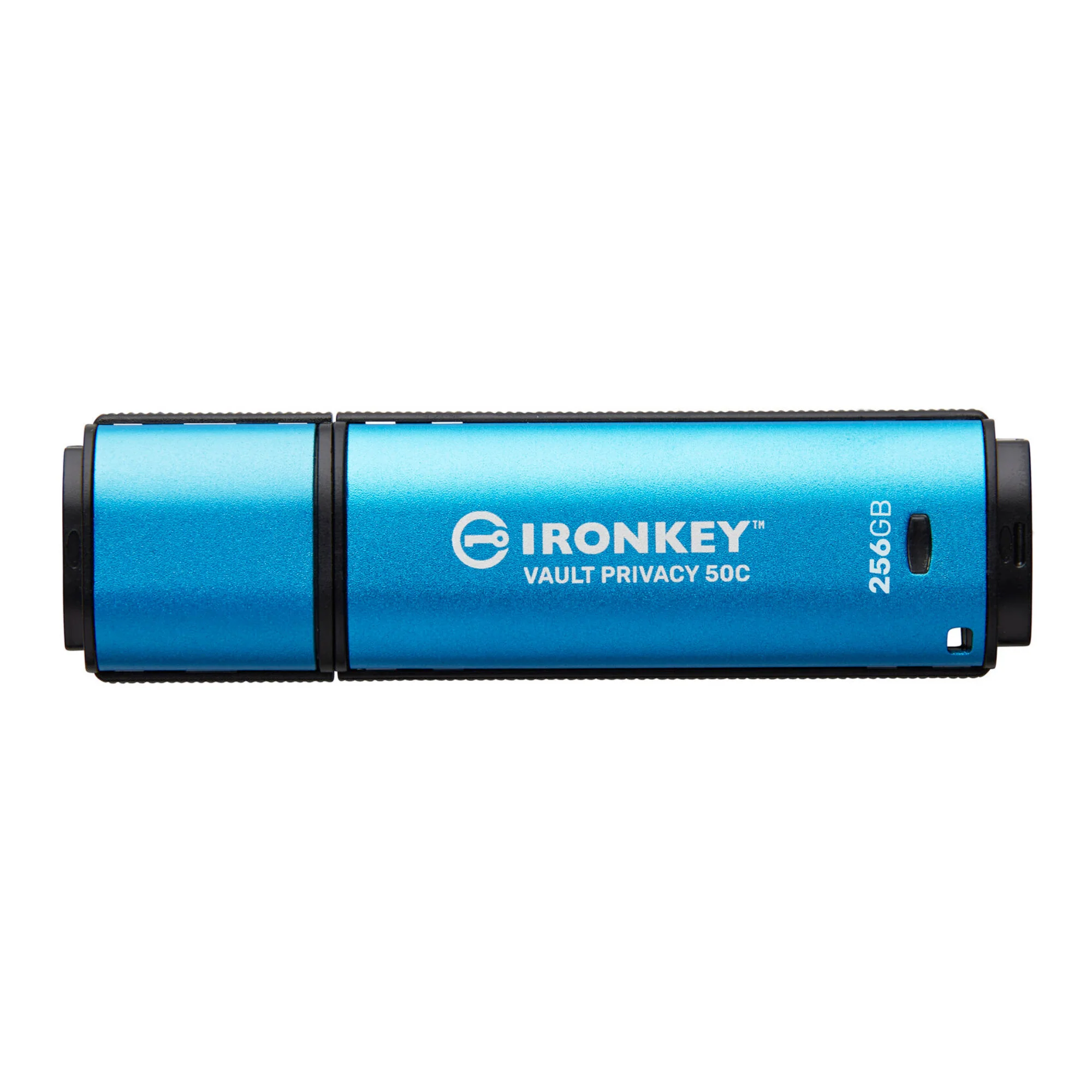


Kingston IronKey Vault Privacy 50 Series 256GB USB-C Flash Drive
Hardware-encrypted USB Drive for Data Protection
Safeguard important data with FIPS 197 certified XTS-AES 256-bit encryption. Built-in protections against BadUSB, Brute Force attacks, and Pen Tested for enterprise-grade security.
Multi-Password Option for Data Recovery
Enable Admin, User, and One-Time Recovery passwords. Admin can reset a User's password and create a One-Time recovery password to restore the User’s access to data. Brute Force attack protection locks out the User or One-Time Recovery passwords upon 10 invalid passwords entered in a row, and crypto-erases the drive if the Admin password is entered incorrectly 10 times in a row.
New Passphrase Mode
Select between Complex or Passphrase password mode. Passphrases can be a numeric PIN, a sentence with space characters, a list of words, or even lyrics – from 10 to 64 characters long.
Dual Read-Only (Write-Protect) Settings
Avoid malware attacks with a forced Read-Only mode set by Admin for User, or a session-based Read-Only mode set by Admin or User.
Locally Manage Drives for Small and Medium Businesses
Use the Admin role to locally manage employee User and One-Time Recovery passwords, recover data access on locked drives, and comply with laws and regulations when forensics are required.
Additional Security Features
Reduce failed login attempts and frustration by enabling the eye button to view the password typed. Use a virtual keyboard to shield password entry from keyloggers and screenloggers.
Product Information
Product Information
Shipping & Returns
Shipping & Returns
Description
Hardware-encrypted USB Drive for Data Protection
Safeguard important data with FIPS 197 certified XTS-AES 256-bit encryption. Built-in protections against BadUSB, Brute Force attacks, and Pen Tested for enterprise-grade security.
Multi-Password Option for Data Recovery
Enable Admin, User, and One-Time Recovery passwords. Admin can reset a User's password and create a One-Time recovery password to restore the User’s access to data. Brute Force attack protection locks out the User or One-Time Recovery passwords upon 10 invalid passwords entered in a row, and crypto-erases the drive if the Admin password is entered incorrectly 10 times in a row.
New Passphrase Mode
Select between Complex or Passphrase password mode. Passphrases can be a numeric PIN, a sentence with space characters, a list of words, or even lyrics – from 10 to 64 characters long.
Dual Read-Only (Write-Protect) Settings
Avoid malware attacks with a forced Read-Only mode set by Admin for User, or a session-based Read-Only mode set by Admin or User.
Locally Manage Drives for Small and Medium Businesses
Use the Admin role to locally manage employee User and One-Time Recovery passwords, recover data access on locked drives, and comply with laws and regulations when forensics are required.
Additional Security Features
Reduce failed login attempts and frustration by enabling the eye button to view the password typed. Use a virtual keyboard to shield password entry from keyloggers and screenloggers.