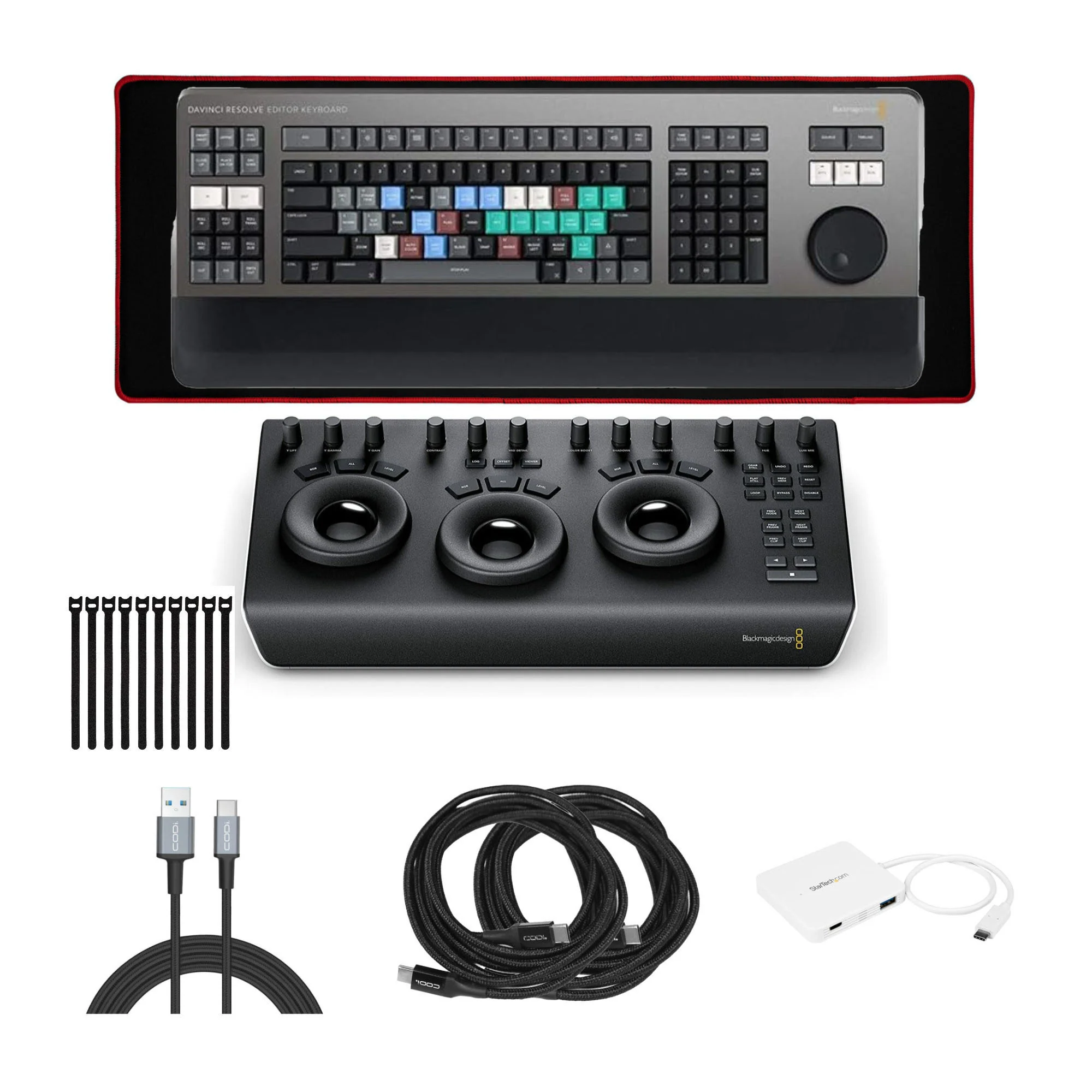
Blackmagic Design DaVinci Resolve Editor Keyboard with Blackmagic Design DaVinci Resolve Bundle
Blackmagic Design DaVinci Resolve Editor Keyboard with Blackmagic Design DaVinci Resolve Bundle
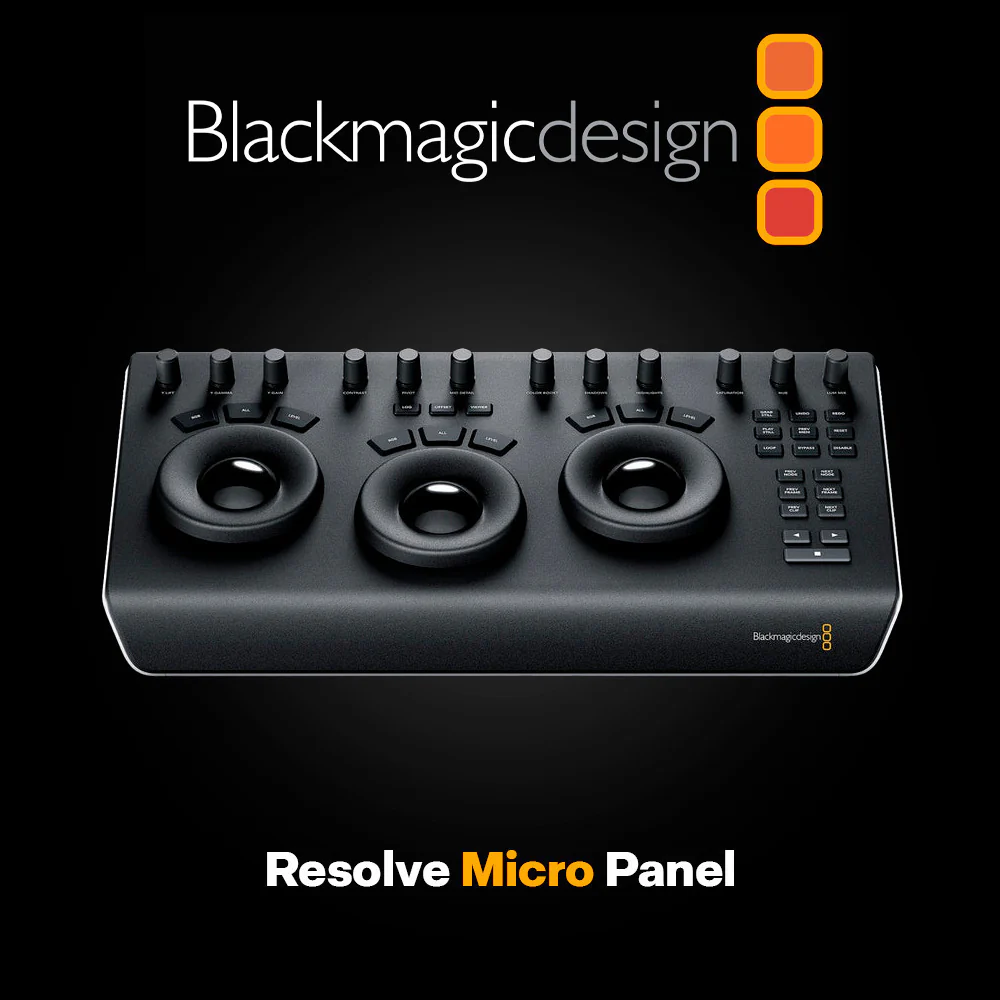
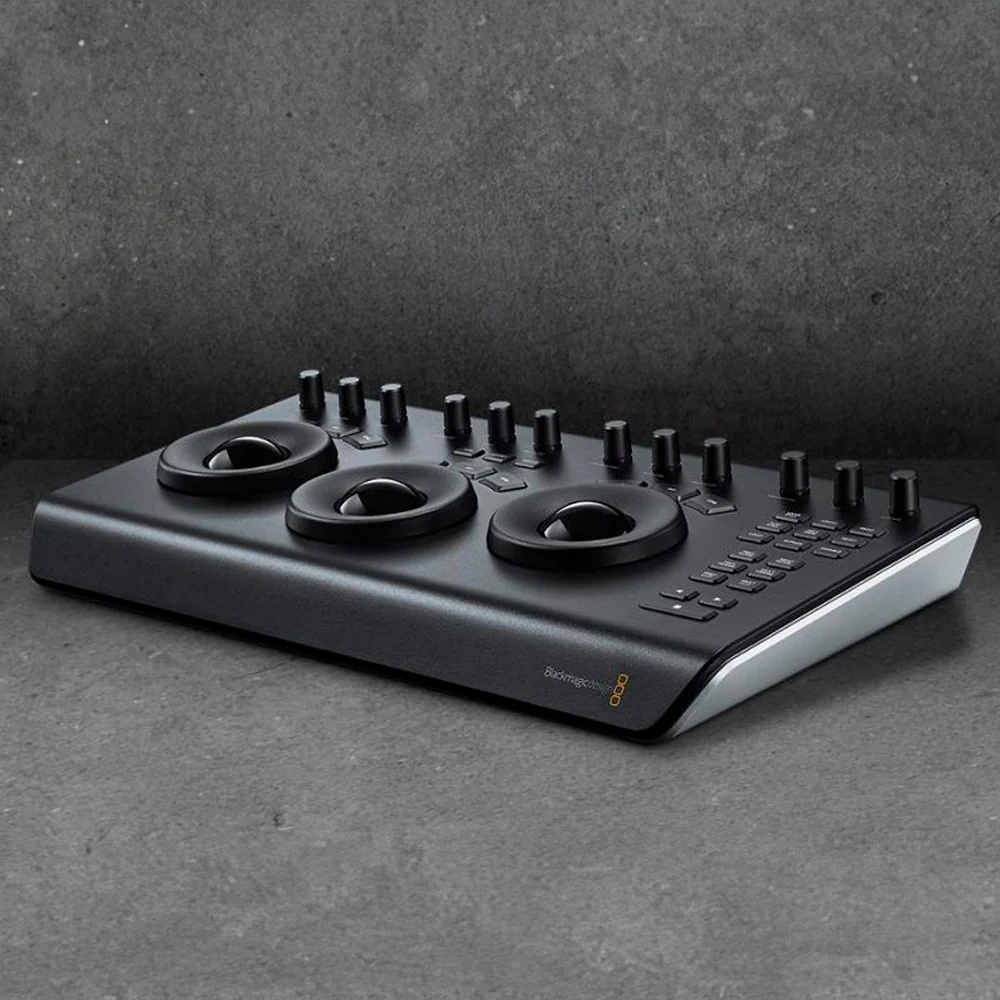
Blackmagic Design DaVinci Resolve Micro Panel with Resolve Studio Software
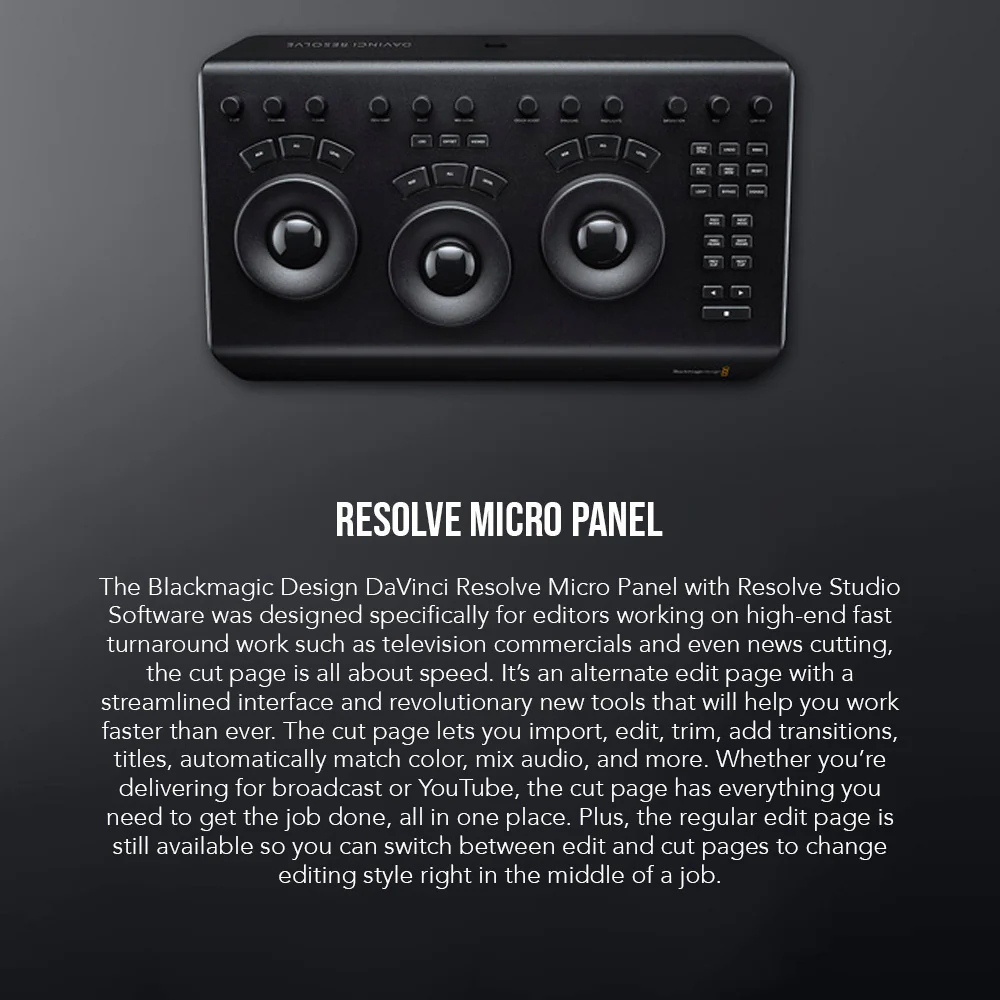
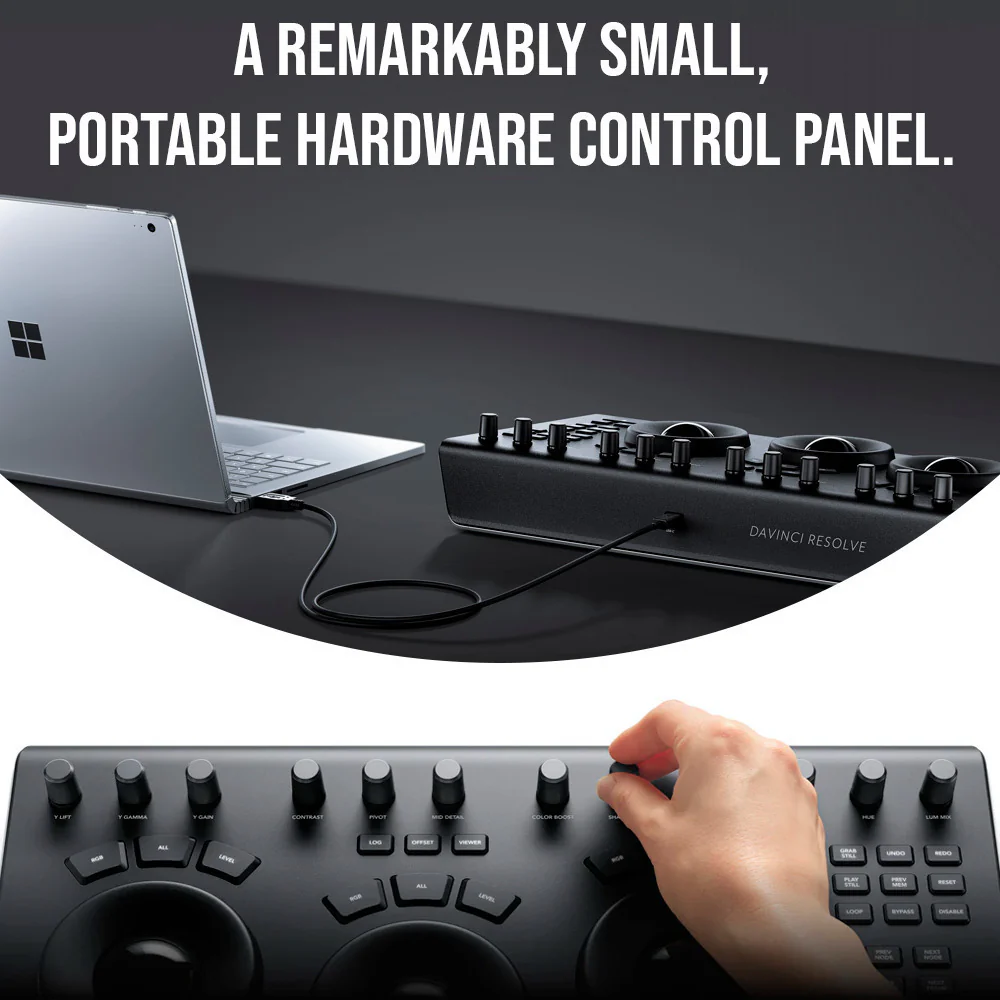
The Blackmagic Design DaVinci Resolve Micro Panel with Resolve Studio Software was designed specifically for editors working on high-end fast turnaround work such as television commercials and even news cutting, the cut page is all about speed. It’s an alternate edit page with a streamlined interface and revolutionary new tools that will help you work faster than ever. The cut page lets you import, edit, trim, add transitions, titles, automatically match color, mix audio, and more. Whether you’re delivering for broadcast or YouTube, the cut page has everything you need to get the job done, all in one place. Plus, the regular edit page is still available so you can switch between edit and cut pages to change editing style right in the middle of a job.
Dual Timeline
Revolutionary dual timeline lets you quickly navigate the whole edit and trim without wasting time zooming and scrolling.
Source Tape
You can quickly review all clips in a bin as if it was a single 'tape' so you can select and add shots to the timeline without having to search a bin.
Dedicated Trim Interface
The new trim interface in the viewer lets you see both sides of an edit and trim in frame-accurate detail so you can create the perfect cut
Intelligent Edit Modes
To save time you don't have to place points in the timeline as the edit modes can intelligently sync clips and edits for you.
Fast Review
You can quickly review an entire timeline or clips with variable speed playback that’s automatically set based on clip length.
Quick Export
Instantly render, upload, and share your project to popular online services such as YouTube and Vimeo.
Media Import
You can quickly import individual files or entire directory structures with subfolders as bins into your project right from the cut page.
New Editing Features in DaVinci Resolve 16
The DaVinci Resolve includes everything professional editors need to cut blockbuster films, television shows, and commercials. It’s perfect for both offline and online editing. The high-performance playback engine makes editing and trimming incredibly fast, even for processor-intensive formats such as H.264 and RAW.
New Color Features in DaVinci Resolve 16
The DaVinci Resolve’s legendary color tools let you manipulate color in breathtaking ways to get results that are simply impossible on other systems. That’s why DaVinci Resolve has been used on more feature films and television shows than any other grading system. You get powerful primary and secondary tools, curves, tracking, stabilization, and more.
Blackmagic Design USB DaVinci Resolve Editor Full-Size Keyboard (Black)
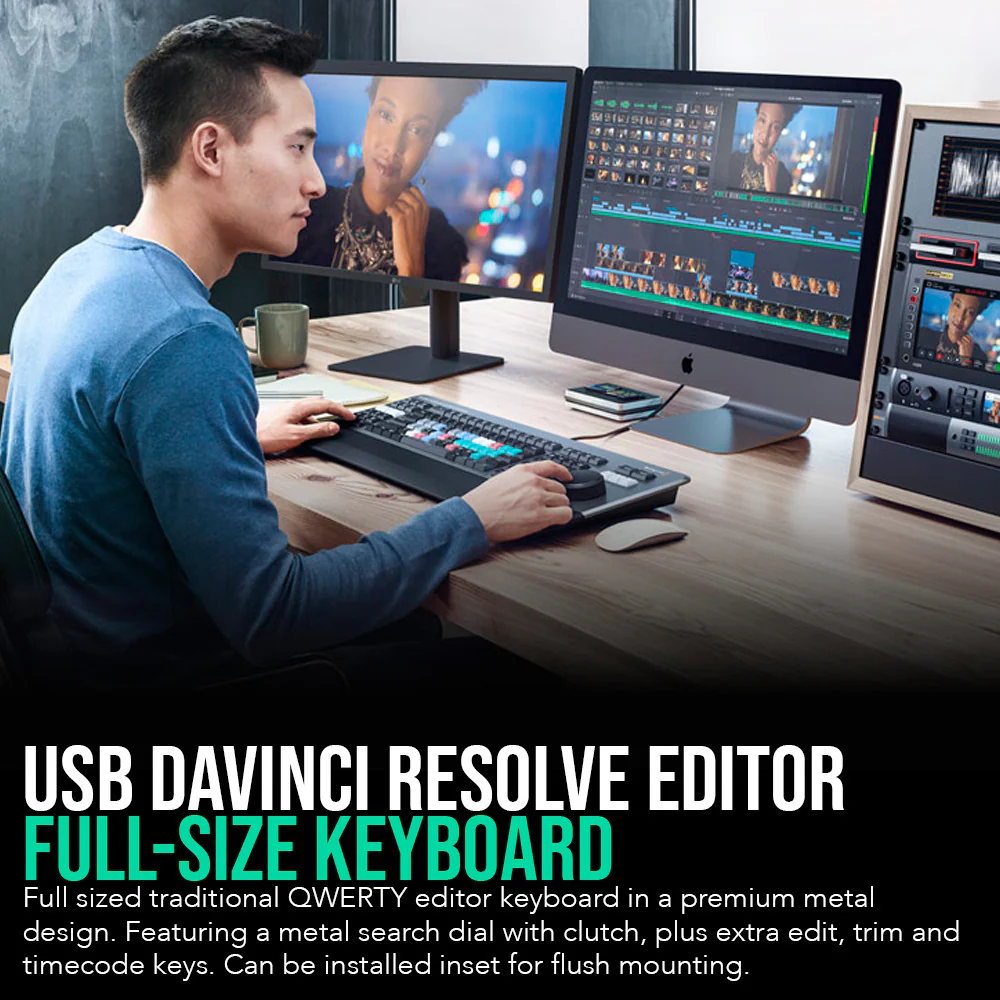
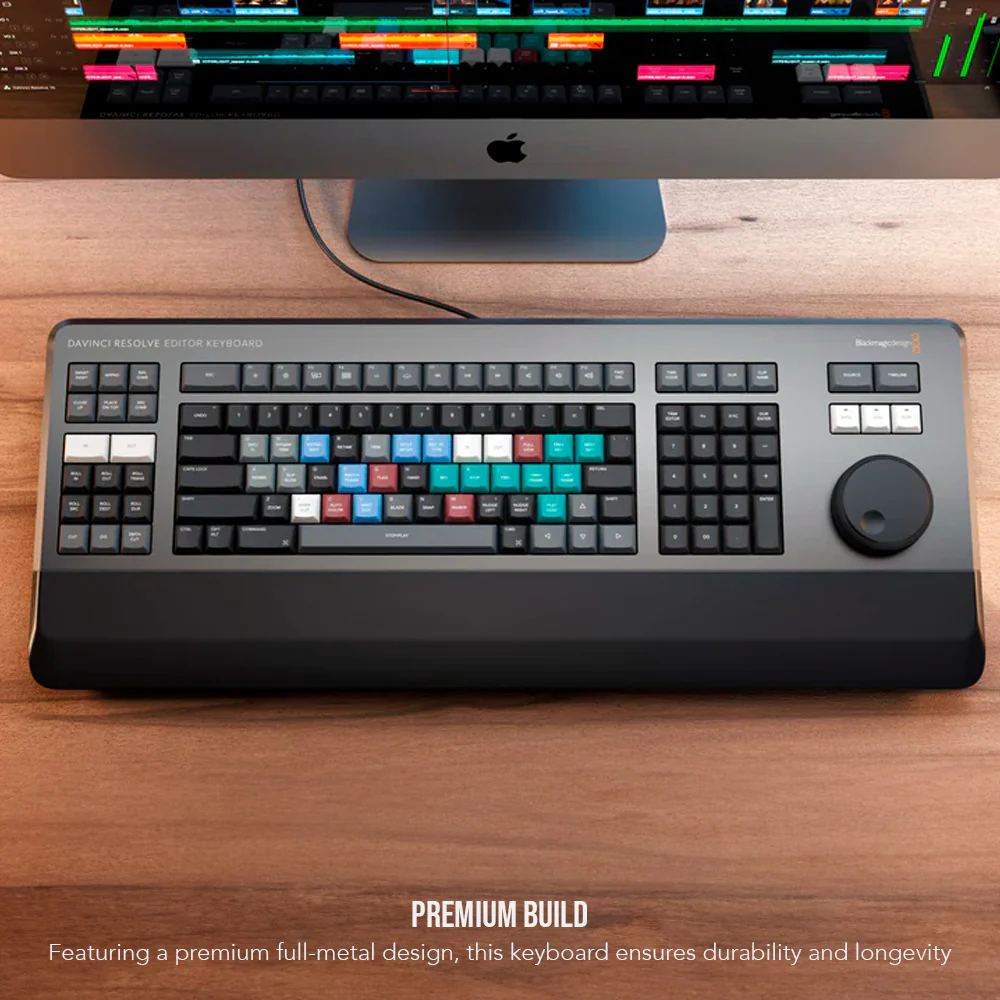
The DaVinci Resolve Editor Keyboard is a full-size editing keyboard based on the traditional QWERTY layout, featuring premium full-metal design. The Blackmagic Design USB DaVinci Resolve Editor Keyboard is a professional keyboard with editing keys for DaVinci Resolve and high-quality search wheels. This keyboard has metal shaved search dial with clutch and key for editing, trim, and time code input. It can also be placed flat on a cutout shaped desk.
StarTech TAA Compliant 3-Port USB-C Portable Expansion Hub for USB-C Enabled Laptops (White)
The StarTech TAA Compliant 3-Port USB 3.0 Hub lets you expand the functionality of your MacBook Pro, MacBook, and other USB-C-enabled laptops by adding three USB-A ports. The compact USB hub supports USB Power Delivery, which means that you can power and charge your laptop through its USB-C port while simultaneously powering the hub.
More Images
Blackmagic Design DaVinci Resolve Editor Keyboard with Blackmagic Design DaVinci Resolve Bundle
Blackmagic Design DaVinci Resolve Micro Panel with Resolve Studio Software
The Blackmagic Design DaVinci Resolve Micro Panel with Resolve Studio Software was designed specifically for editors working on high-end fast turnaround work such as television commercials and even news cutting, the cut page is all about speed. It’s an alternate edit page with a streamlined interface and revolutionary new tools that will help you work faster than ever. The cut page lets you import, edit, trim, add transitions, titles, automatically match color, mix audio, and more. Whether you’re delivering for broadcast or YouTube, the cut page has everything you need to get the job done, all in one place. Plus, the regular edit page is still available so you can switch between edit and cut pages to change editing style right in the middle of a job.
Dual Timeline
Revolutionary dual timeline lets you quickly navigate the whole edit and trim without wasting time zooming and scrolling.
Source Tape
You can quickly review all clips in a bin as if it was a single 'tape' so you can select and add shots to the timeline without having to search a bin.
Dedicated Trim Interface
The new trim interface in the viewer lets you see both sides of an edit and trim in frame-accurate detail so you can create the perfect cut
Intelligent Edit Modes
To save time you don't have to place points in the timeline as the edit modes can intelligently sync clips and edits for you.
Fast Review
You can quickly review an entire timeline or clips with variable speed playback that’s automatically set based on clip length.
Quick Export
Instantly render, upload, and share your project to popular online services such as YouTube and Vimeo.
Media Import
You can quickly import individual files or entire directory structures with subfolders as bins into your project right from the cut page.
New Editing Features in DaVinci Resolve 16
The DaVinci Resolve includes everything professional editors need to cut blockbuster films, television shows, and commercials. It’s perfect for both offline and online editing. The high-performance playback engine makes editing and trimming incredibly fast, even for processor-intensive formats such as H.264 and RAW.
New Color Features in DaVinci Resolve 16
The DaVinci Resolve’s legendary color tools let you manipulate color in breathtaking ways to get results that are simply impossible on other systems. That’s why DaVinci Resolve has been used on more feature films and television shows than any other grading system. You get powerful primary and secondary tools, curves, tracking, stabilization, and more.
Blackmagic Design USB DaVinci Resolve Editor Full-Size Keyboard (Black)
The DaVinci Resolve Editor Keyboard is a full-size editing keyboard based on the traditional QWERTY layout, featuring premium full-metal design. The Blackmagic Design USB DaVinci Resolve Editor Keyboard is a professional keyboard with editing keys for DaVinci Resolve and high-quality search wheels. This keyboard has metal shaved search dial with clutch and key for editing, trim, and time code input. It can also be placed flat on a cutout shaped desk.
StarTech TAA Compliant 3-Port USB-C Portable Expansion Hub for USB-C Enabled Laptops (White)
The StarTech TAA Compliant 3-Port USB 3.0 Hub lets you expand the functionality of your MacBook Pro, MacBook, and other USB-C-enabled laptops by adding three USB-A ports. The compact USB hub supports USB Power Delivery, which means that you can power and charge your laptop through its USB-C port while simultaneously powering the hub.
Product Information
Product Information
Shipping & Returns
Shipping & Returns
Description
Blackmagic Design DaVinci Resolve Micro Panel with Resolve Studio Software
The Blackmagic Design DaVinci Resolve Micro Panel with Resolve Studio Software was designed specifically for editors working on high-end fast turnaround work such as television commercials and even news cutting, the cut page is all about speed. It’s an alternate edit page with a streamlined interface and revolutionary new tools that will help you work faster than ever. The cut page lets you import, edit, trim, add transitions, titles, automatically match color, mix audio, and more. Whether you’re delivering for broadcast or YouTube, the cut page has everything you need to get the job done, all in one place. Plus, the regular edit page is still available so you can switch between edit and cut pages to change editing style right in the middle of a job.
Dual Timeline
Revolutionary dual timeline lets you quickly navigate the whole edit and trim without wasting time zooming and scrolling.
Source Tape
You can quickly review all clips in a bin as if it was a single 'tape' so you can select and add shots to the timeline without having to search a bin.
Dedicated Trim Interface
The new trim interface in the viewer lets you see both sides of an edit and trim in frame-accurate detail so you can create the perfect cut
Intelligent Edit Modes
To save time you don't have to place points in the timeline as the edit modes can intelligently sync clips and edits for you.
Fast Review
You can quickly review an entire timeline or clips with variable speed playback that’s automatically set based on clip length.
Quick Export
Instantly render, upload, and share your project to popular online services such as YouTube and Vimeo.
Media Import
You can quickly import individual files or entire directory structures with subfolders as bins into your project right from the cut page.
New Editing Features in DaVinci Resolve 16
The DaVinci Resolve includes everything professional editors need to cut blockbuster films, television shows, and commercials. It’s perfect for both offline and online editing. The high-performance playback engine makes editing and trimming incredibly fast, even for processor-intensive formats such as H.264 and RAW.
New Color Features in DaVinci Resolve 16
The DaVinci Resolve’s legendary color tools let you manipulate color in breathtaking ways to get results that are simply impossible on other systems. That’s why DaVinci Resolve has been used on more feature films and television shows than any other grading system. You get powerful primary and secondary tools, curves, tracking, stabilization, and more.
Blackmagic Design USB DaVinci Resolve Editor Full-Size Keyboard (Black)
The DaVinci Resolve Editor Keyboard is a full-size editing keyboard based on the traditional QWERTY layout, featuring premium full-metal design. The Blackmagic Design USB DaVinci Resolve Editor Keyboard is a professional keyboard with editing keys for DaVinci Resolve and high-quality search wheels. This keyboard has metal shaved search dial with clutch and key for editing, trim, and time code input. It can also be placed flat on a cutout shaped desk.
StarTech TAA Compliant 3-Port USB-C Portable Expansion Hub for USB-C Enabled Laptops (White)
The StarTech TAA Compliant 3-Port USB 3.0 Hub lets you expand the functionality of your MacBook Pro, MacBook, and other USB-C-enabled laptops by adding three USB-A ports. The compact USB hub supports USB Power Delivery, which means that you can power and charge your laptop through its USB-C port while simultaneously powering the hub.