Blackmagic Design Videohub Smart Control Pro
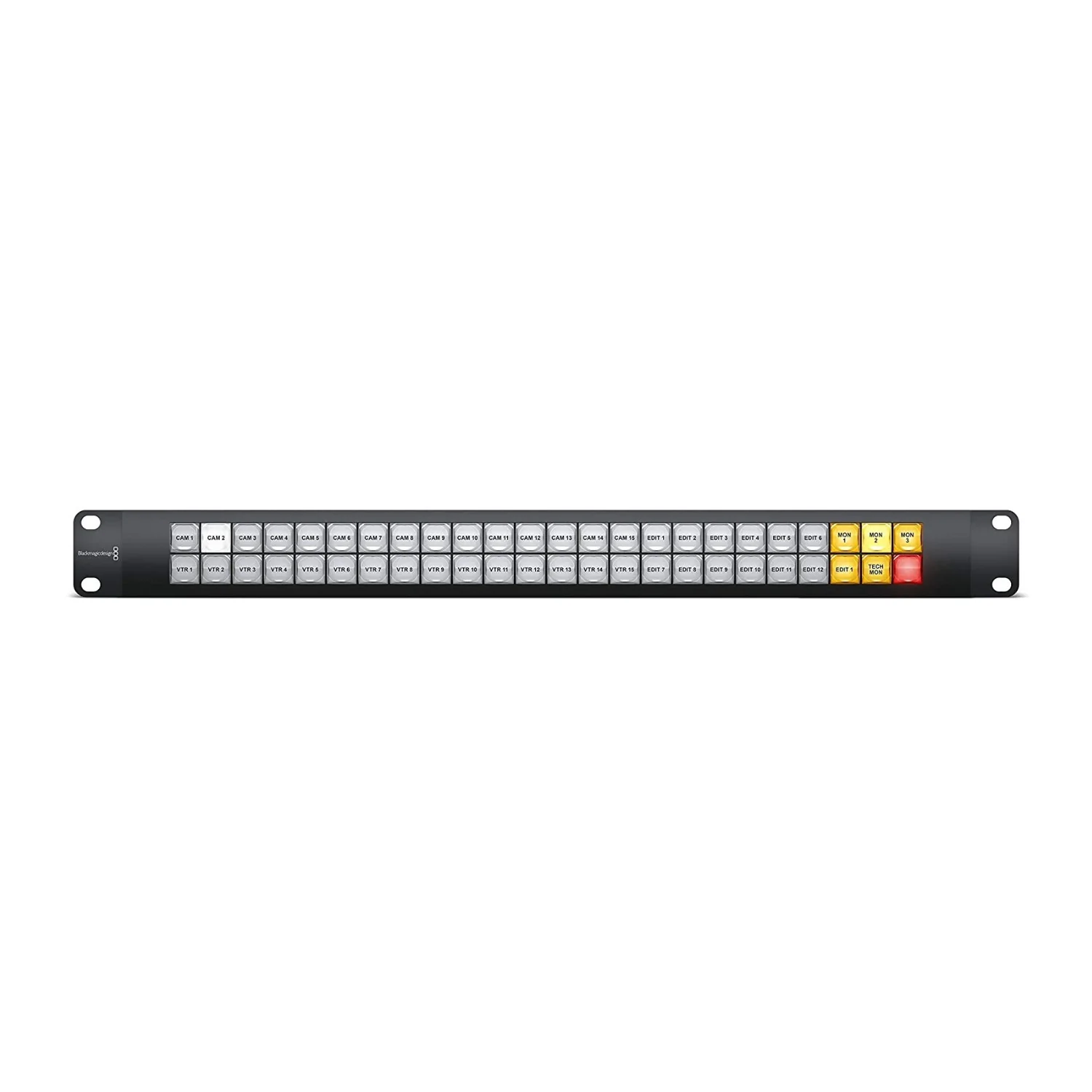
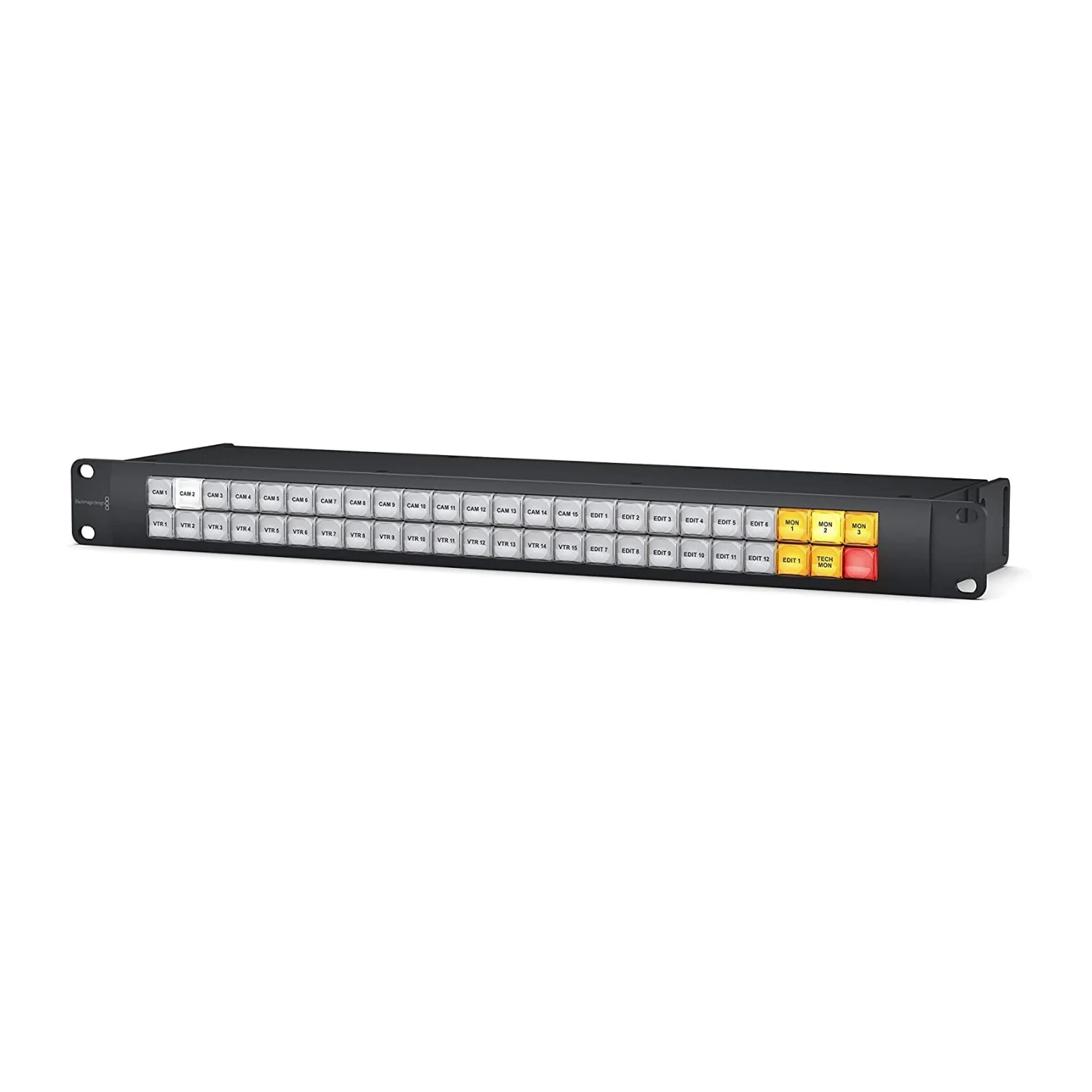
When you want the fastest routing you can get, then Videohub Smart Control Pro lets you route with a single button press. Program each button for a single router cross point and when pressed the route is made. You can program to have multiple destinations and even a take button! The Videohub Smart Control Pro from Blackmagic Design is a 1-rack unit mountable control panel with 48 backlit pushbuttons and Ethernet connectivity, which works with all models of Videohub routers. It can be configured to work with one or many SDI destination devices. Once configured for your SDI equipment and Videohub router, this control panel no longer requires a computer and can immediately change SDI routes as desired. The Videohub Smart Control Pro can be powered via DC or through the Ethernet connection.
Color-Coded Illuminations for Different Functions
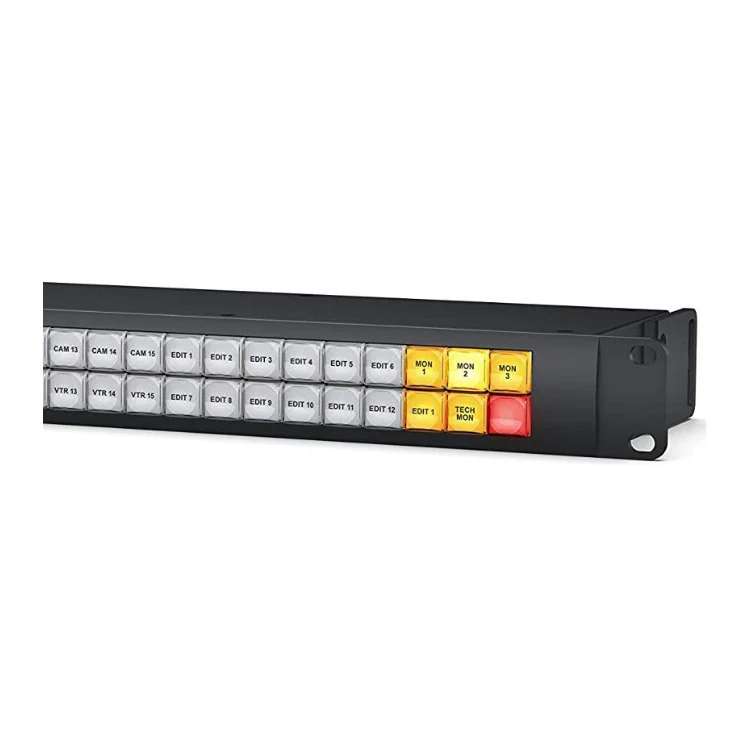
When configured for a single SDI destination, such as a monitor or deck, the pushbuttons can instantly switch between 48 different SDI sources on the same Videohub router. When configured for multiple SDI destinations, destination buttons become gold, source buttons become white and the lower right button can be configured as a take button and illuminates red. Macro buttons illuminate green when enabled and each one can be configured to perform up to 16 simultaneous cross point switches.
Original: $875.00
-65%$875.00
$306.25More Images


Blackmagic Design Videohub Smart Control Pro
When you want the fastest routing you can get, then Videohub Smart Control Pro lets you route with a single button press. Program each button for a single router cross point and when pressed the route is made. You can program to have multiple destinations and even a take button! The Videohub Smart Control Pro from Blackmagic Design is a 1-rack unit mountable control panel with 48 backlit pushbuttons and Ethernet connectivity, which works with all models of Videohub routers. It can be configured to work with one or many SDI destination devices. Once configured for your SDI equipment and Videohub router, this control panel no longer requires a computer and can immediately change SDI routes as desired. The Videohub Smart Control Pro can be powered via DC or through the Ethernet connection.
Color-Coded Illuminations for Different Functions
When configured for a single SDI destination, such as a monitor or deck, the pushbuttons can instantly switch between 48 different SDI sources on the same Videohub router. When configured for multiple SDI destinations, destination buttons become gold, source buttons become white and the lower right button can be configured as a take button and illuminates red. Macro buttons illuminate green when enabled and each one can be configured to perform up to 16 simultaneous cross point switches.
Product Information
Product Information
Shipping & Returns
Shipping & Returns
Description
When you want the fastest routing you can get, then Videohub Smart Control Pro lets you route with a single button press. Program each button for a single router cross point and when pressed the route is made. You can program to have multiple destinations and even a take button! The Videohub Smart Control Pro from Blackmagic Design is a 1-rack unit mountable control panel with 48 backlit pushbuttons and Ethernet connectivity, which works with all models of Videohub routers. It can be configured to work with one or many SDI destination devices. Once configured for your SDI equipment and Videohub router, this control panel no longer requires a computer and can immediately change SDI routes as desired. The Videohub Smart Control Pro can be powered via DC or through the Ethernet connection.
Color-Coded Illuminations for Different Functions
When configured for a single SDI destination, such as a monitor or deck, the pushbuttons can instantly switch between 48 different SDI sources on the same Videohub router. When configured for multiple SDI destinations, destination buttons become gold, source buttons become white and the lower right button can be configured as a take button and illuminates red. Macro buttons illuminate green when enabled and each one can be configured to perform up to 16 simultaneous cross point switches.